TemplioniX Excel Add-in
The TemplioniX Excel Add-in connects Excel data with your TemplioniX templates. You can select a spreadsheet range, map columns to template fields, configure output settings, and generate documents in bulk.
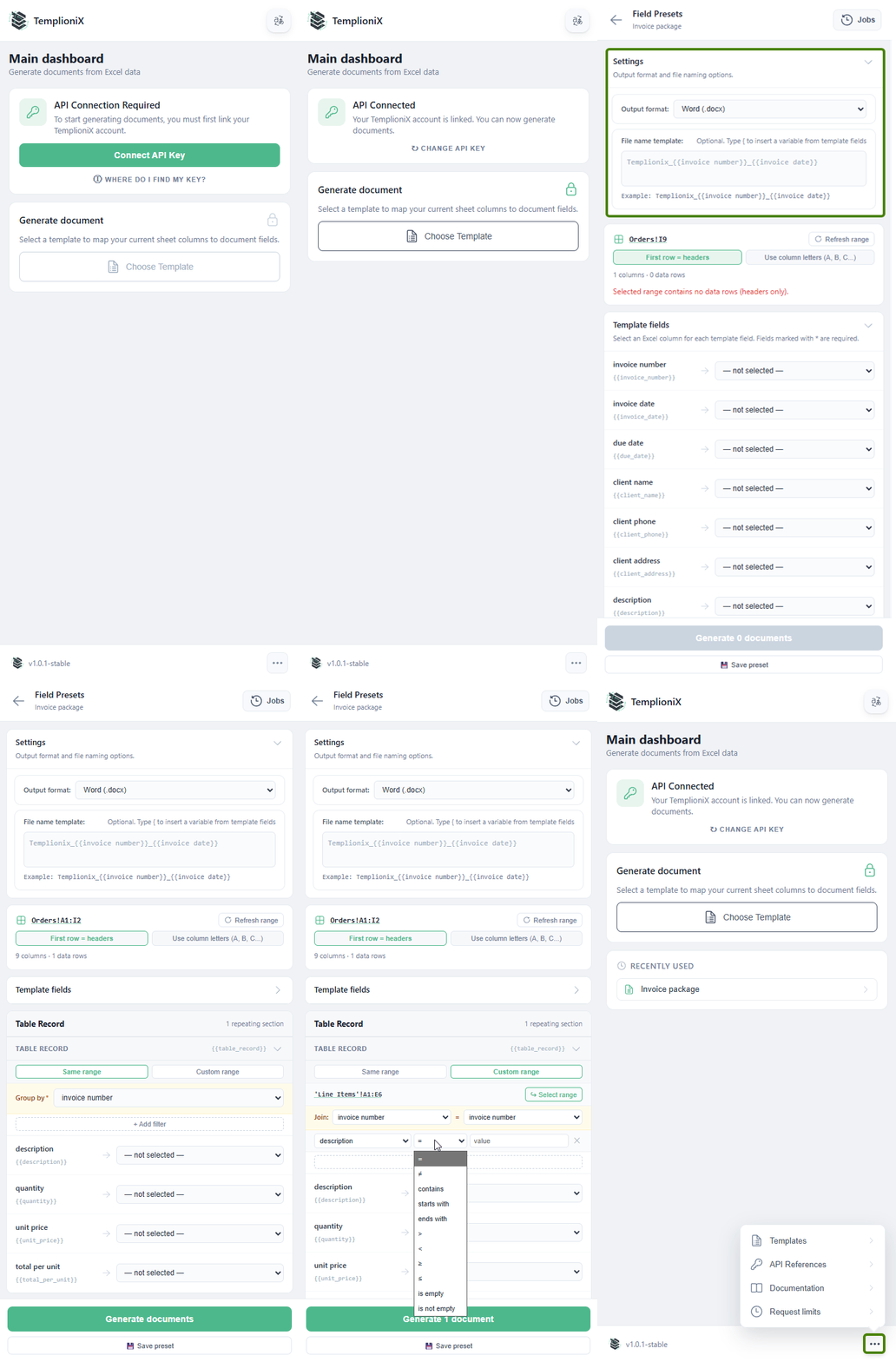
The typical workflow is:
- Connect your TemplioniX account with an API key.
- Select a document template.
- Map Excel columns to template fields.
- Configure repeating sections if the template contains table-like data.
- Configure output format and file names.
- Generate documents.
- Check generation jobs and download results.
Use the short pages in this section as a step-by-step guide. If your template contains invoice items, order rows, or any other repeated table data, read Repeating Sections before generating documents.