Output Settings
Open Settings to choose the generated file format and customize the output file name.
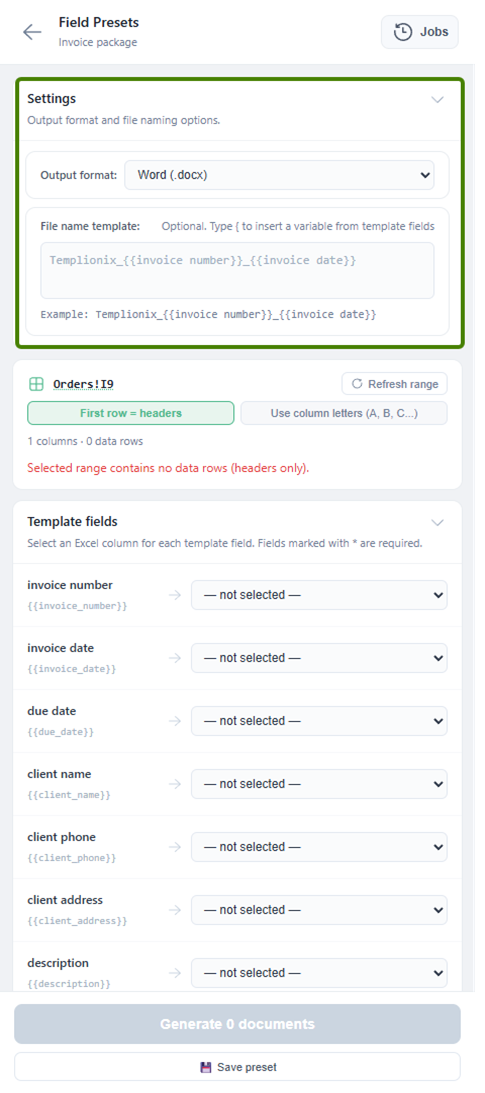
Use Output format to choose between Word (.docx) and PDF (.pdf).
Use File name template to define generated file names. You can insert template field variables, for example {{invoice number}} or {{invoice date}}, so each generated document gets a meaningful name.
For bulk generation, a clear file name template makes the resulting archive easier to review. For example:
Templionix_{{invoice number}}_{{invoice date}}
This creates file names based on each row's invoice number and invoice date.