Connect API Key
Open the TemplioniX add-in in Excel. Before document generation is available, the add-in asks you to connect an API key.
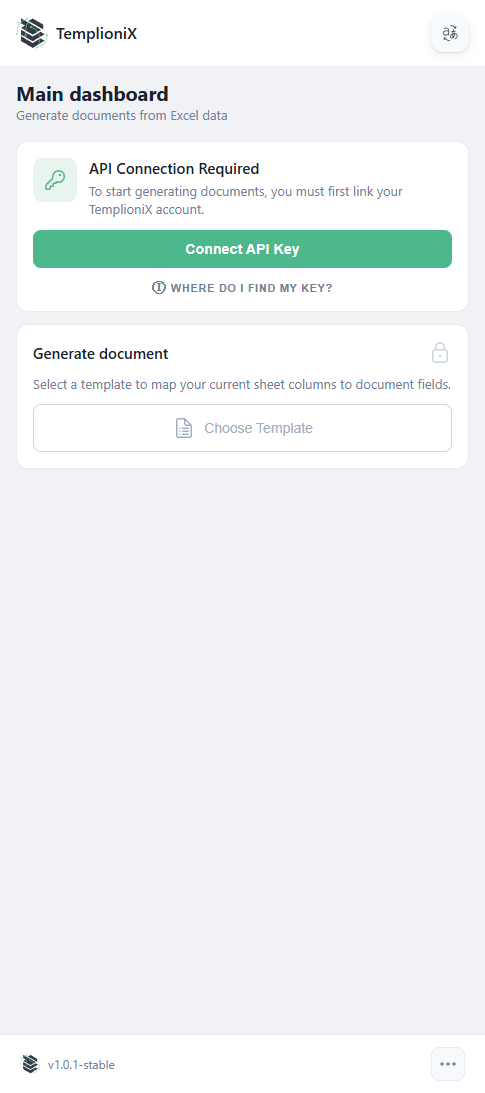
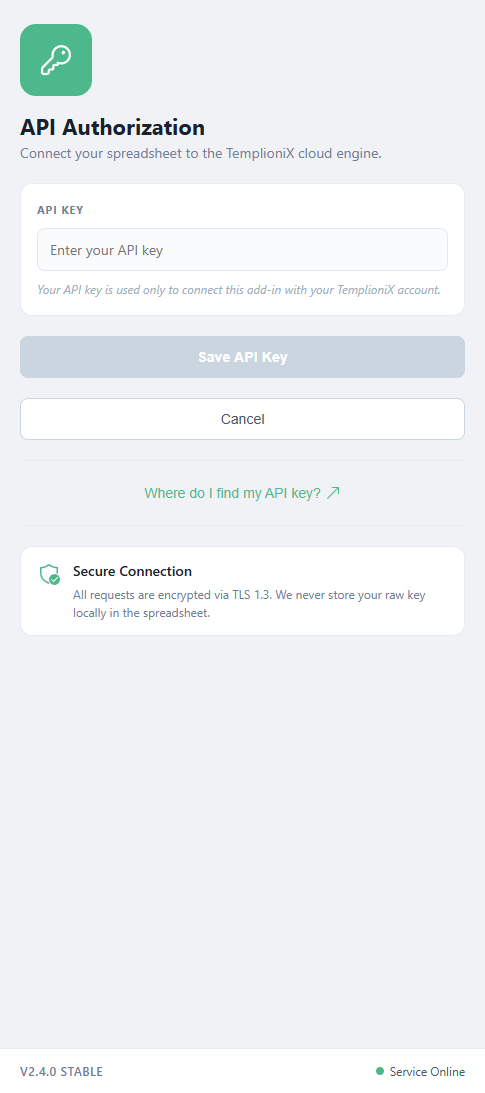
Click Connect API Key, enter your key in the API KEY field, and then click Save API Key.
If needed, use Where do I find my API key? on the authorization screen.
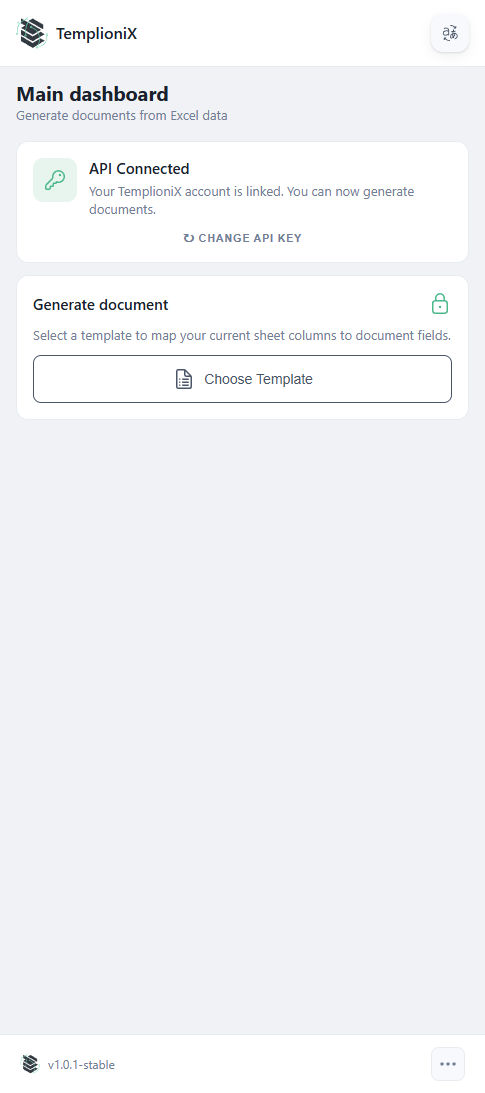
After the key is saved, the dashboard switches to the connected state and enables template selection.