Template Gallery
The public Template Gallery contains curated Word-template workflows for common document types.
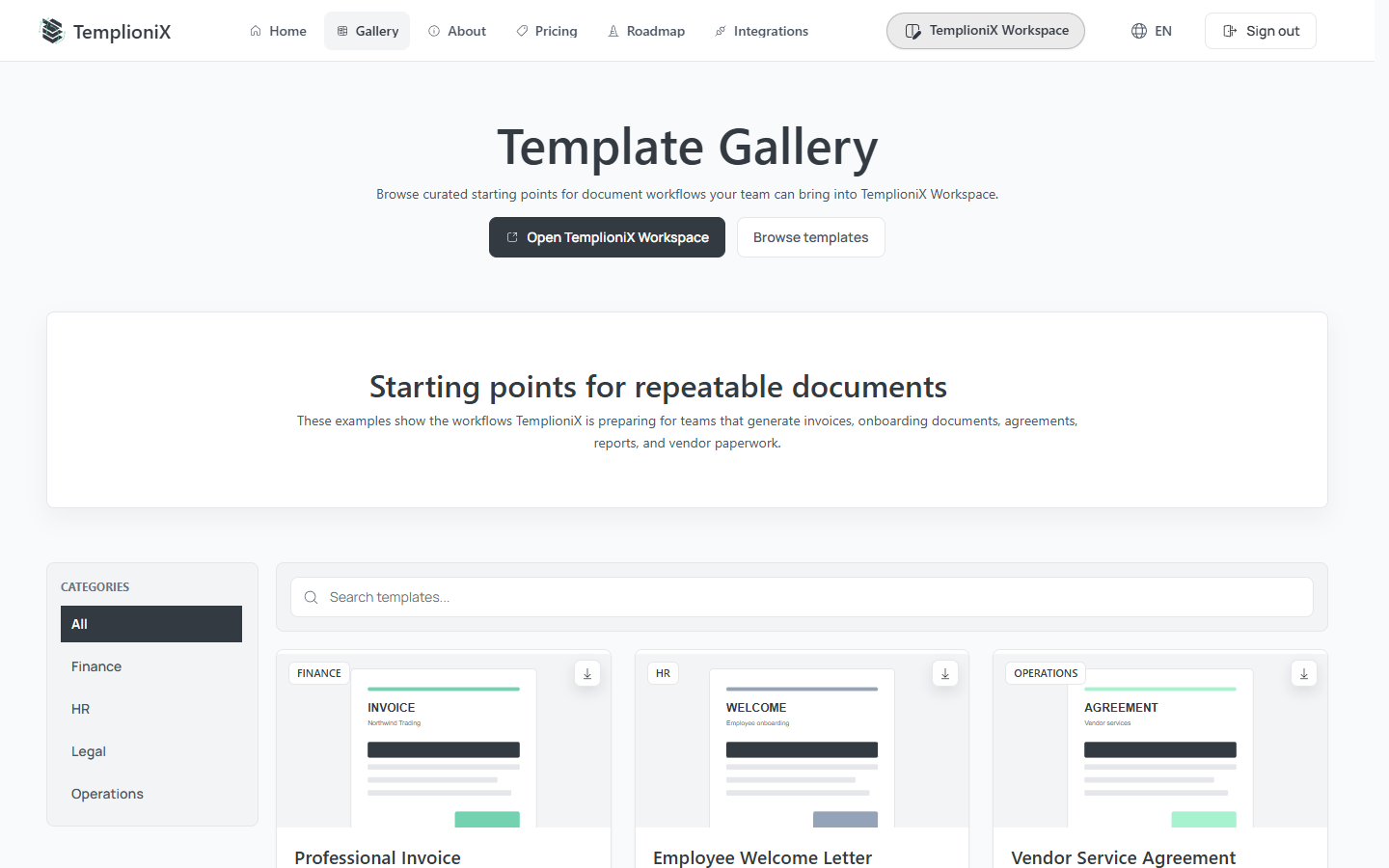
Find a template
Use categories and search to narrow the gallery. Each card can provide:
- Preview to inspect the rendered document;
- Download to obtain the public Word file;
- Use Template to add it to your Workspace.
Use a public template
- Select Use Template.
- Sign in if required.
- Wait while TemplioniX creates a private Workspace copy.
- Review the copied template on the Edit Template page.
- Update its name, description, categories, or Word file for your workflow.
Your private copy is independent of the public Gallery item. Changes in your Workspace do not modify the public template.
The same Gallery can also be opened from the Browse Gallery action in TemplioniX Workspace.