Onboarding and language
Product tour
The onboarding tour starts automatically for a new authenticated user and walks through templates, creation, editing, generation, membership, and API keys.
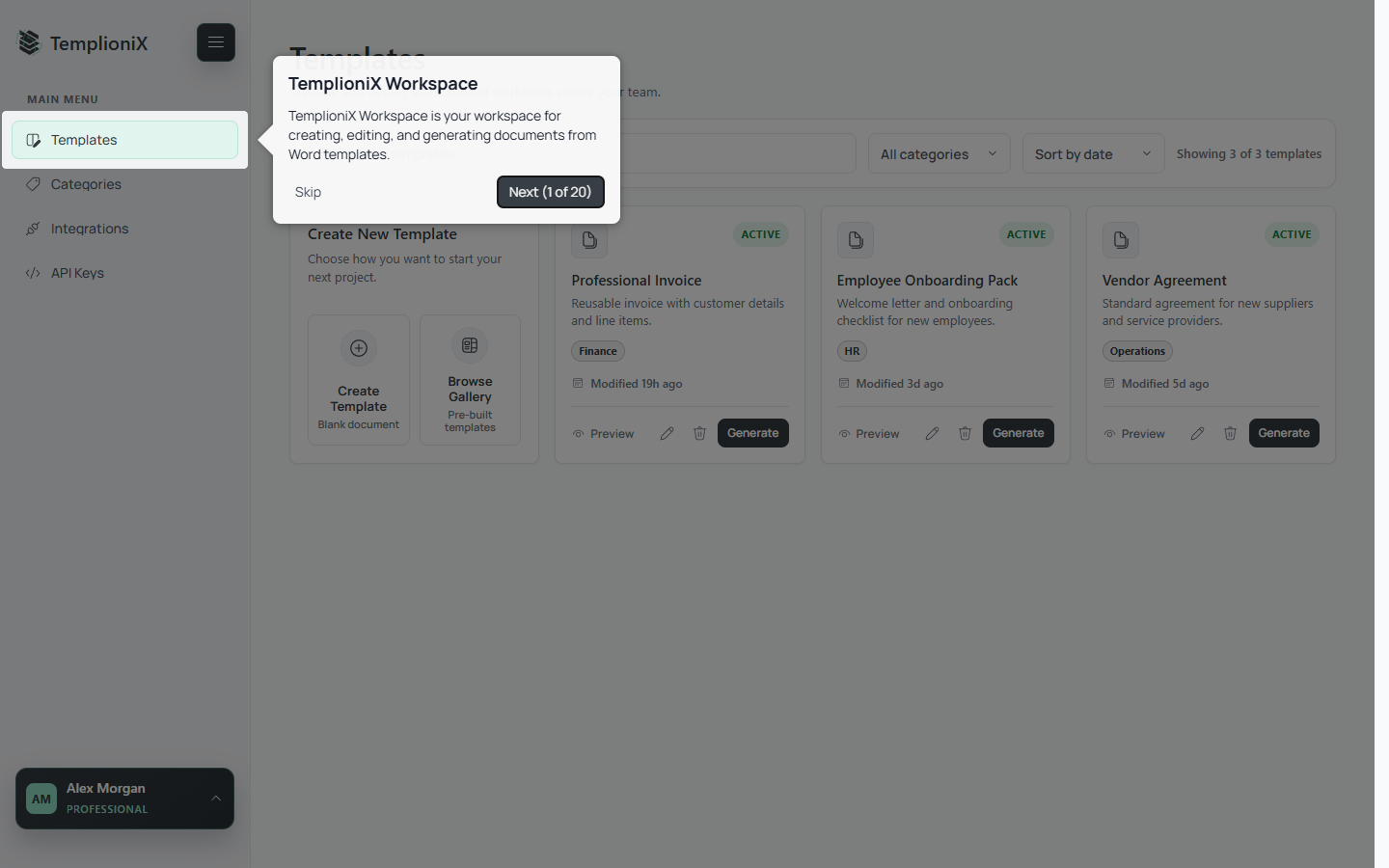
Use Next and Back to move between steps, or Skip to close the tour.
To run it again:
- Open the account menu at the bottom of the Workspace sidebar.
- Select Restart onboarding.
- TemplioniX returns to the Templates page and starts the tour.
Change language
TemplioniX supports English and Ukrainian.
- On public pages, use the language control in the top navigation.
- In Workspace, open the account menu and select the language.
For signed-in users, the preferred language is saved to the account. The page reloads after a successful change so all localized content can be applied consistently.