Running generation
To generate a document from a template:
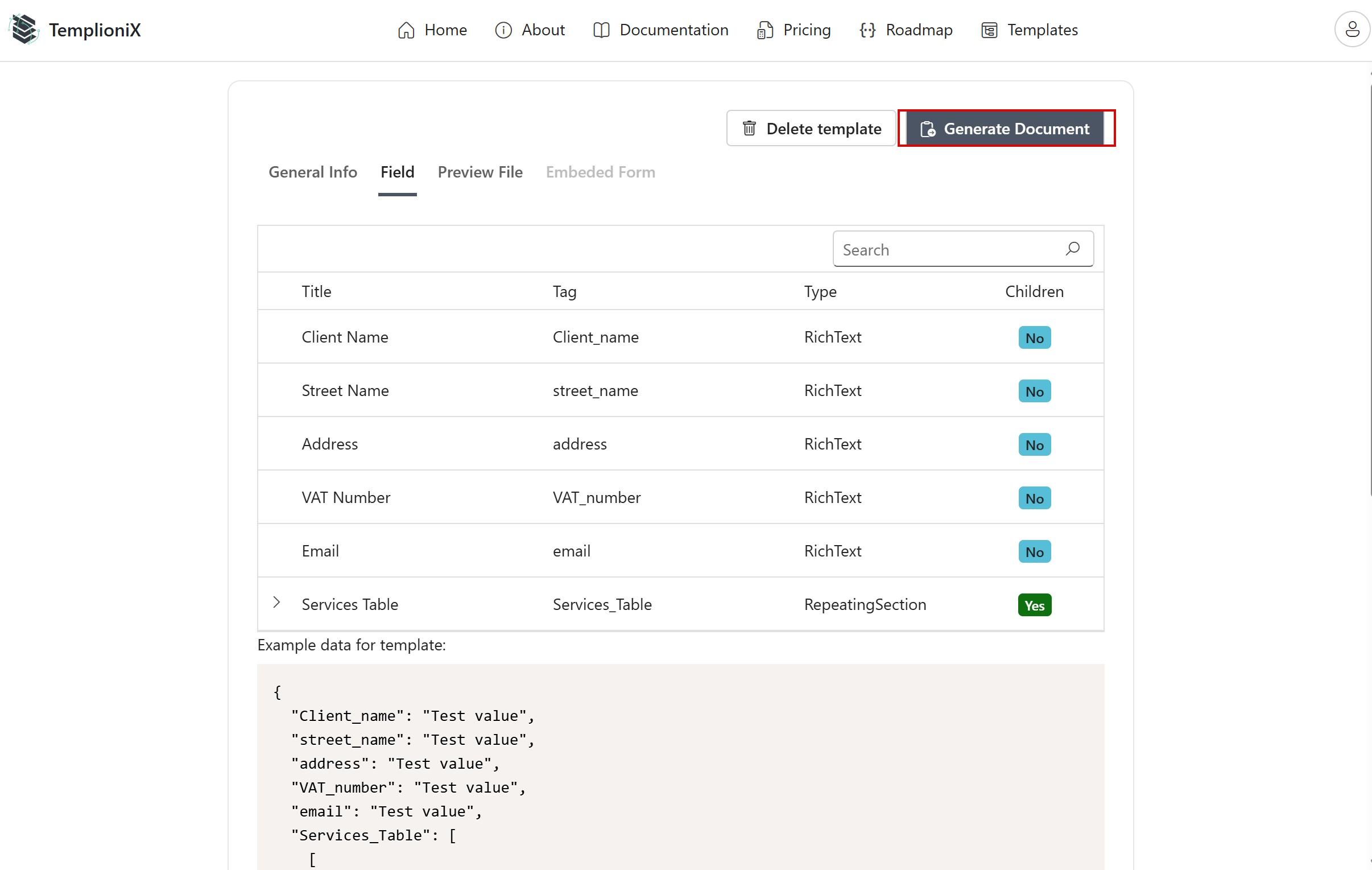
- Open the template
- Go to the Field tab if you want to verify mapped controls
- Click Generate Document
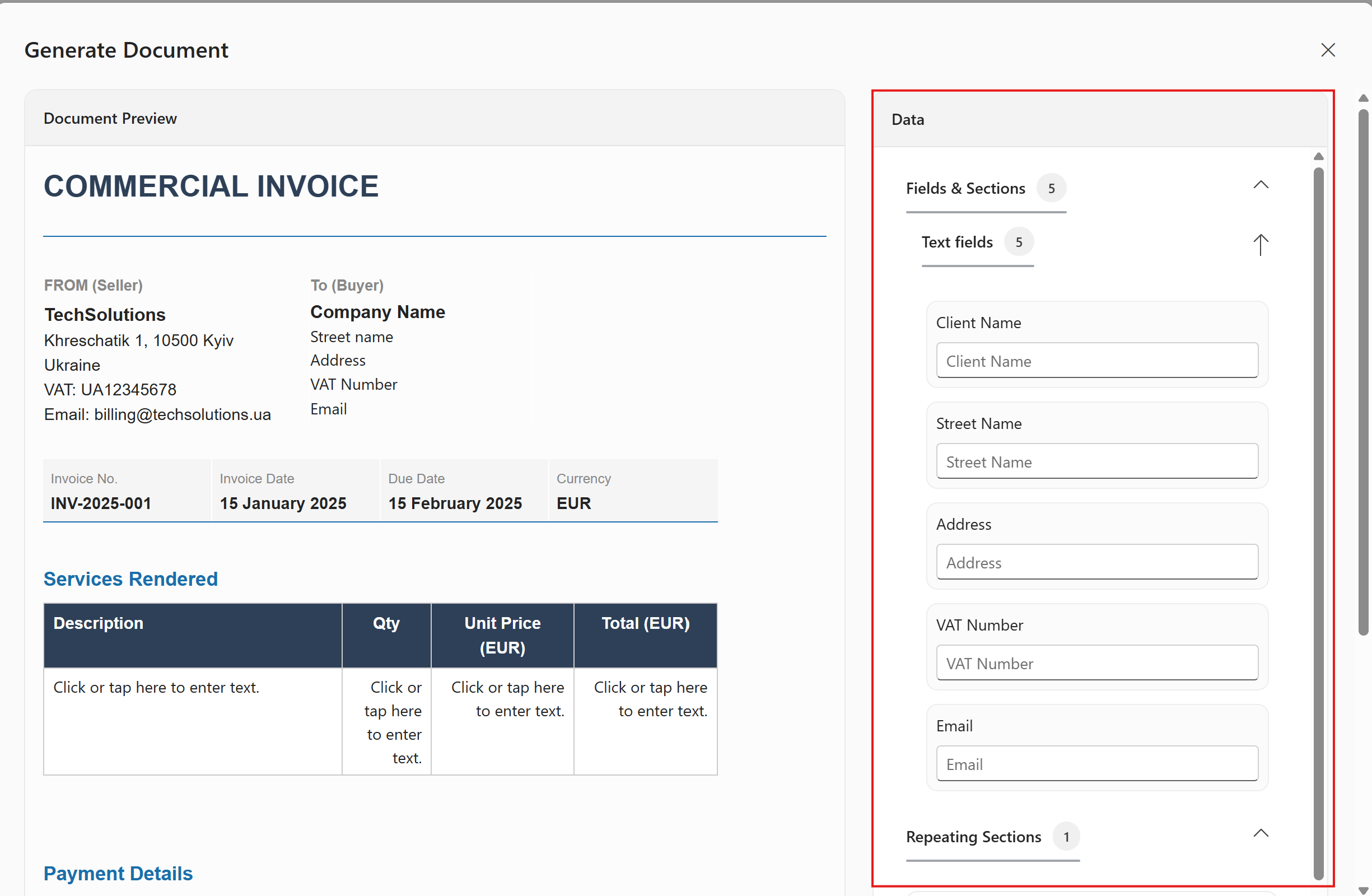
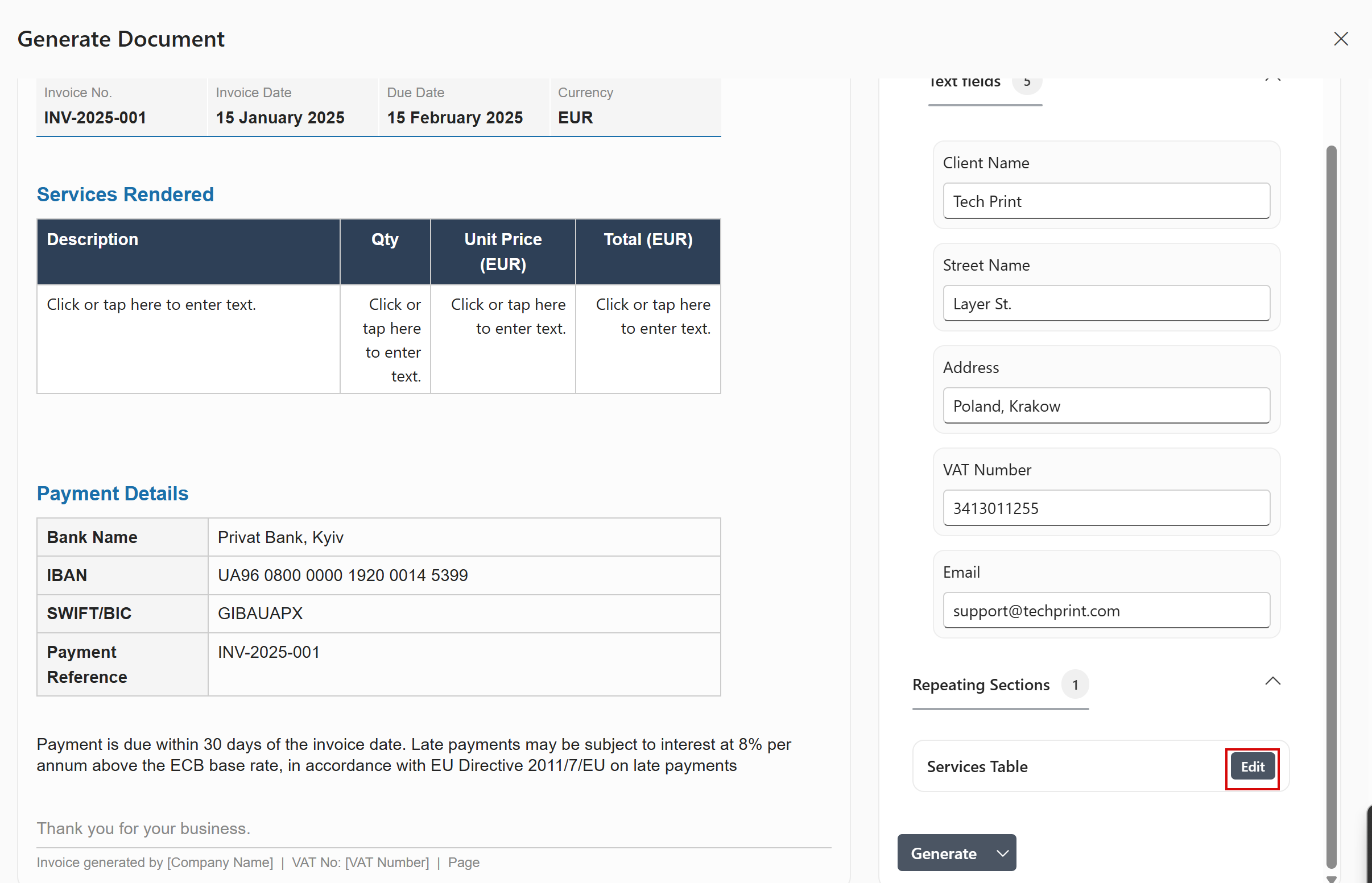
In the generation panel, fill all required text fields on the right side.
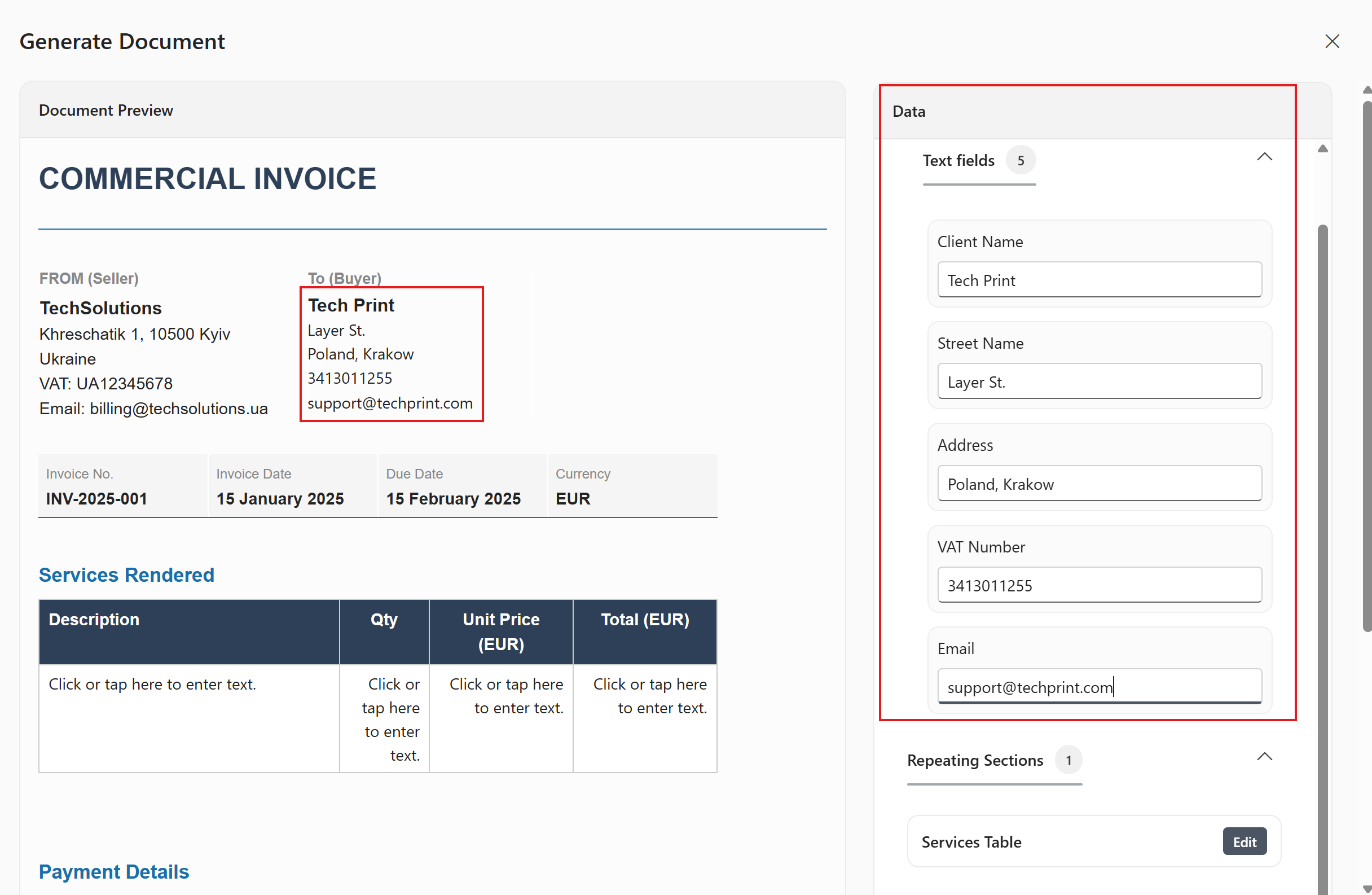
As you type values, the document preview updates.
Repeating sections (table rows)
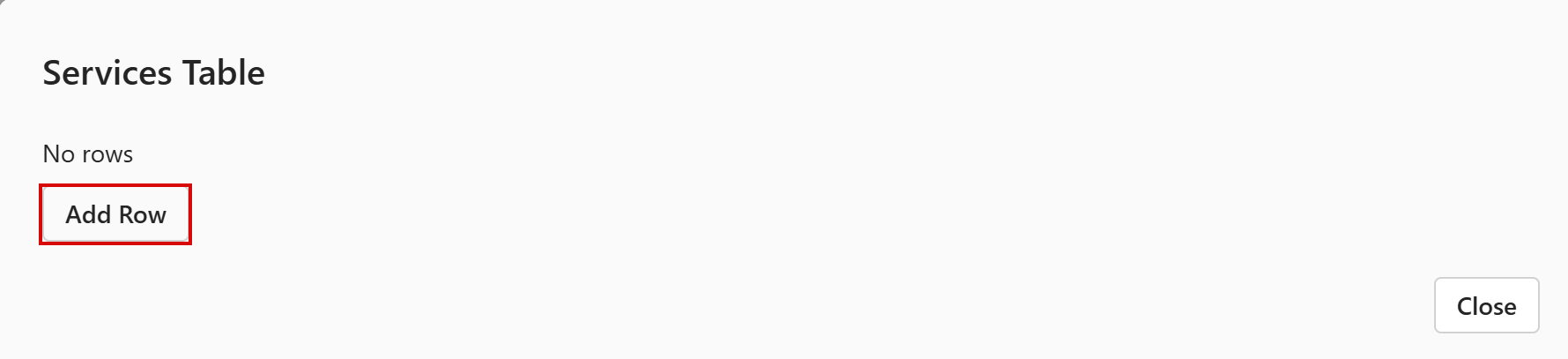
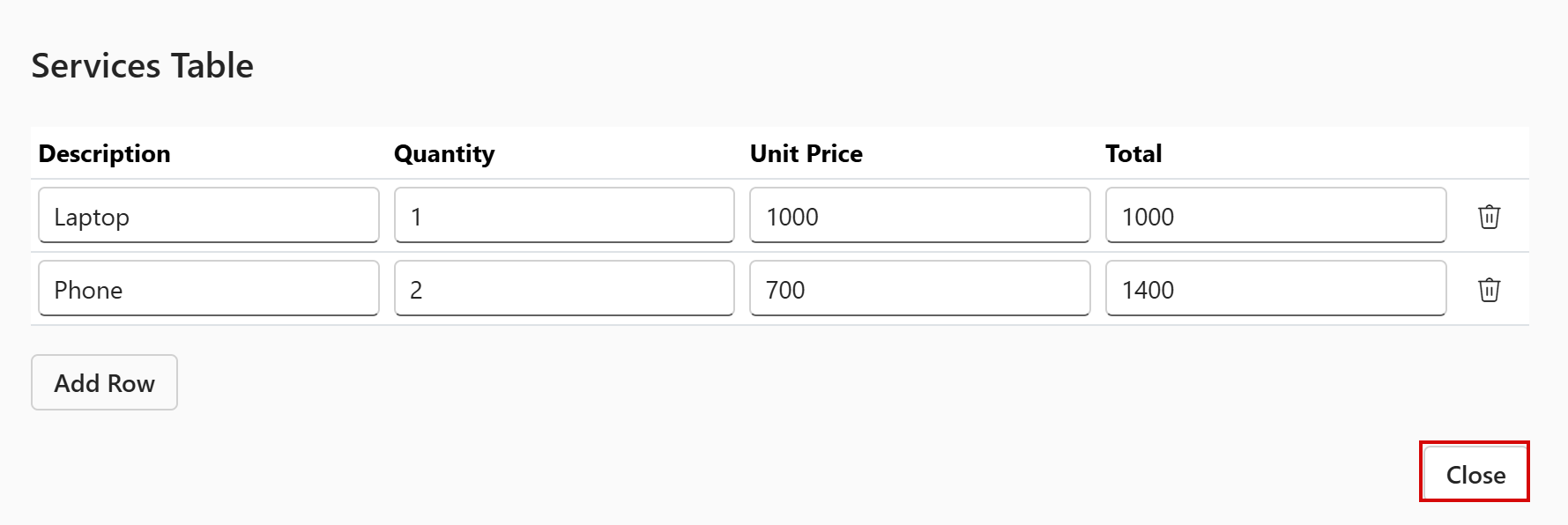
For repeating sections (for example, services/items table):
- Click Edit near the repeating section
- Click Add Row
- Fill row values
- Click Close to return
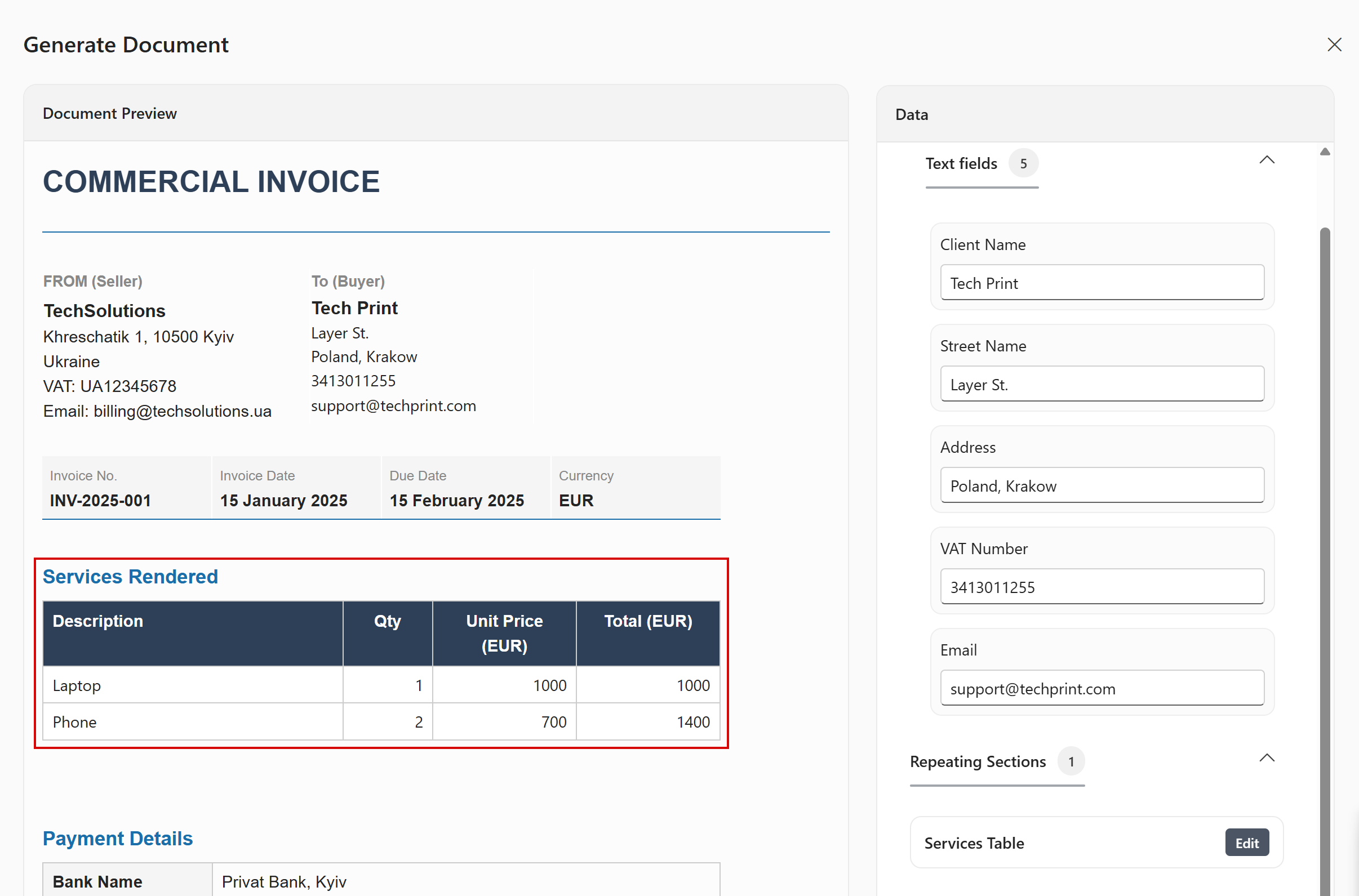
After closing the row editor, check updated rows in preview.
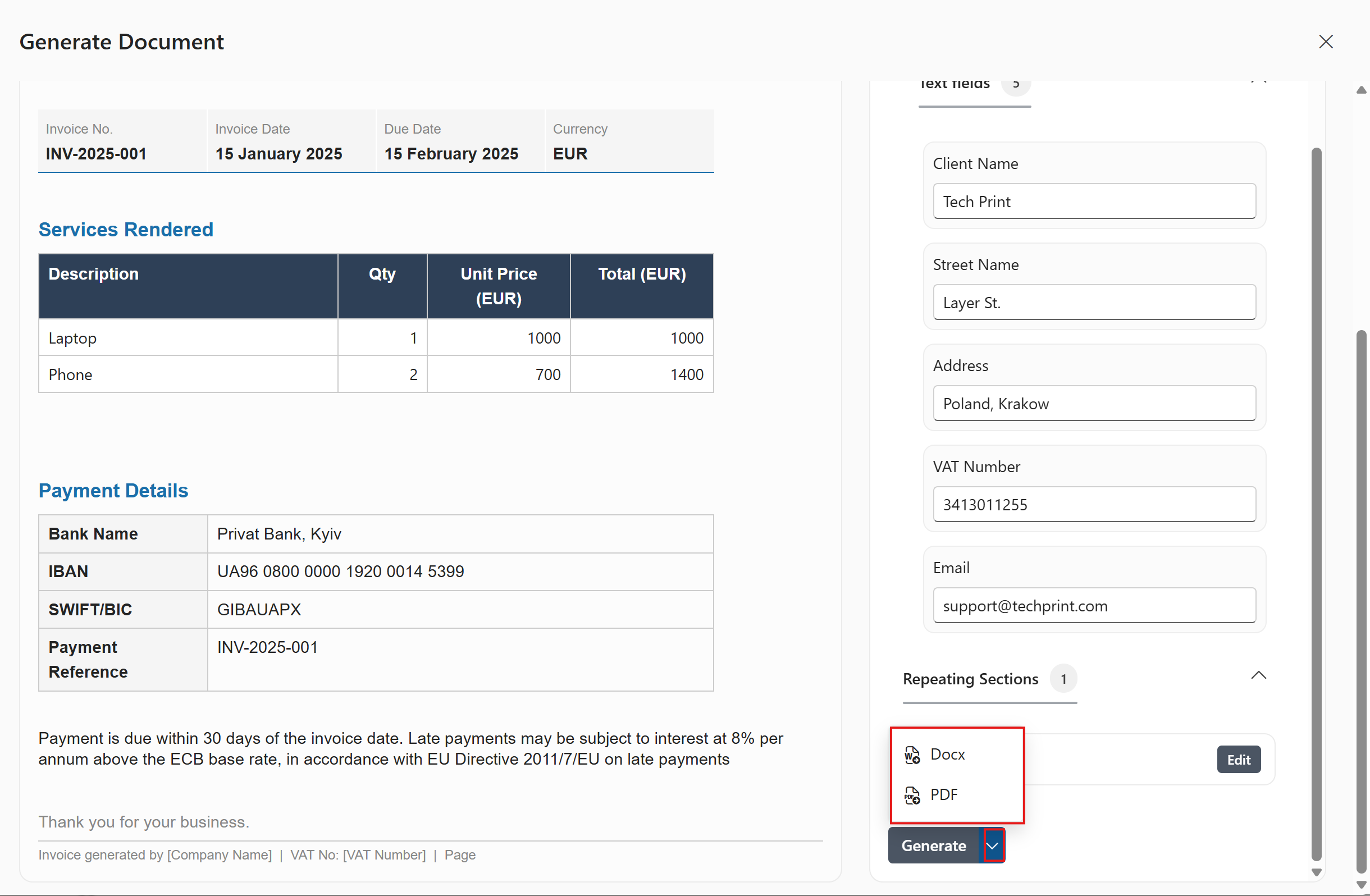
Finally, click Generate and choose the output format (DOCX or PDF).