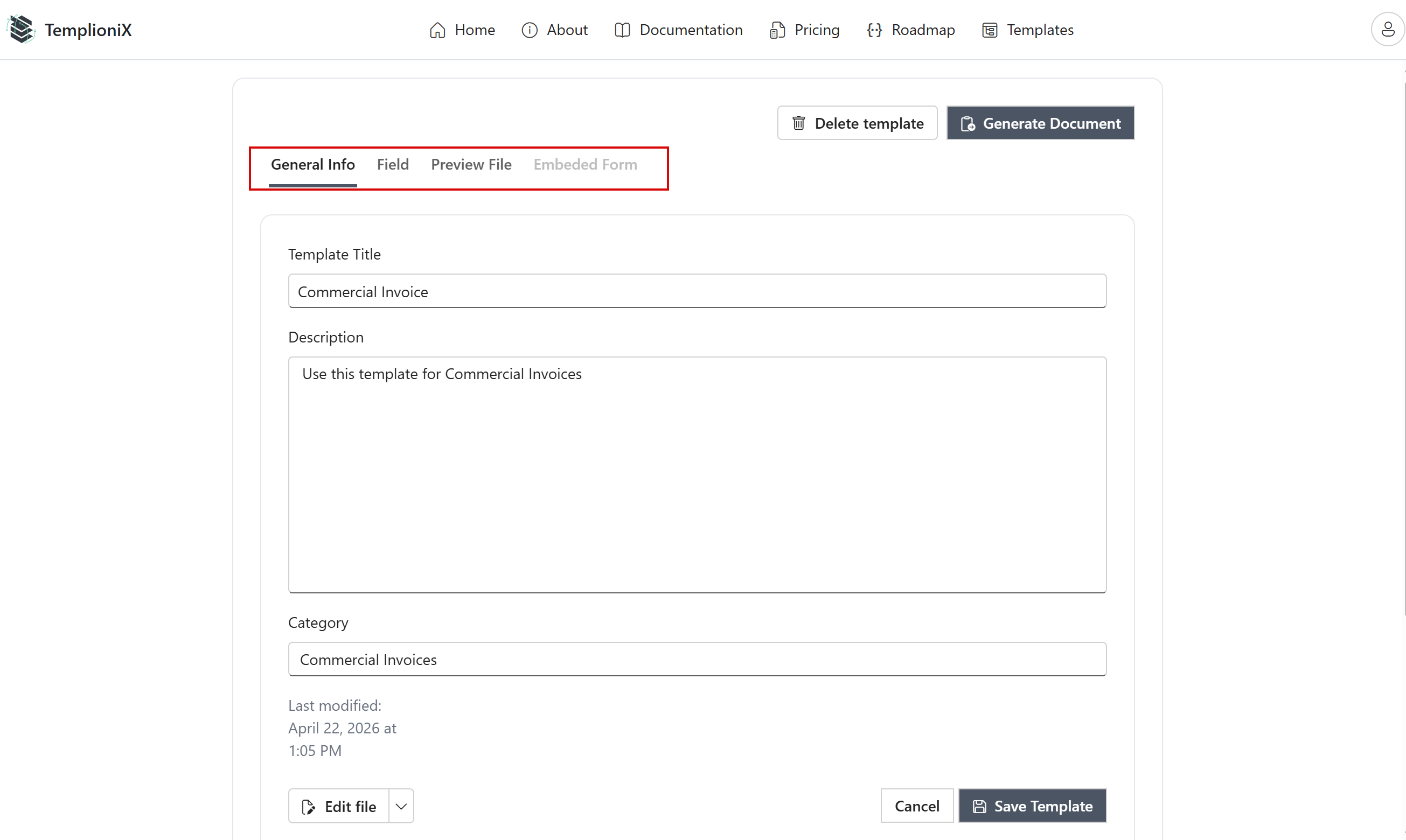
Creating template
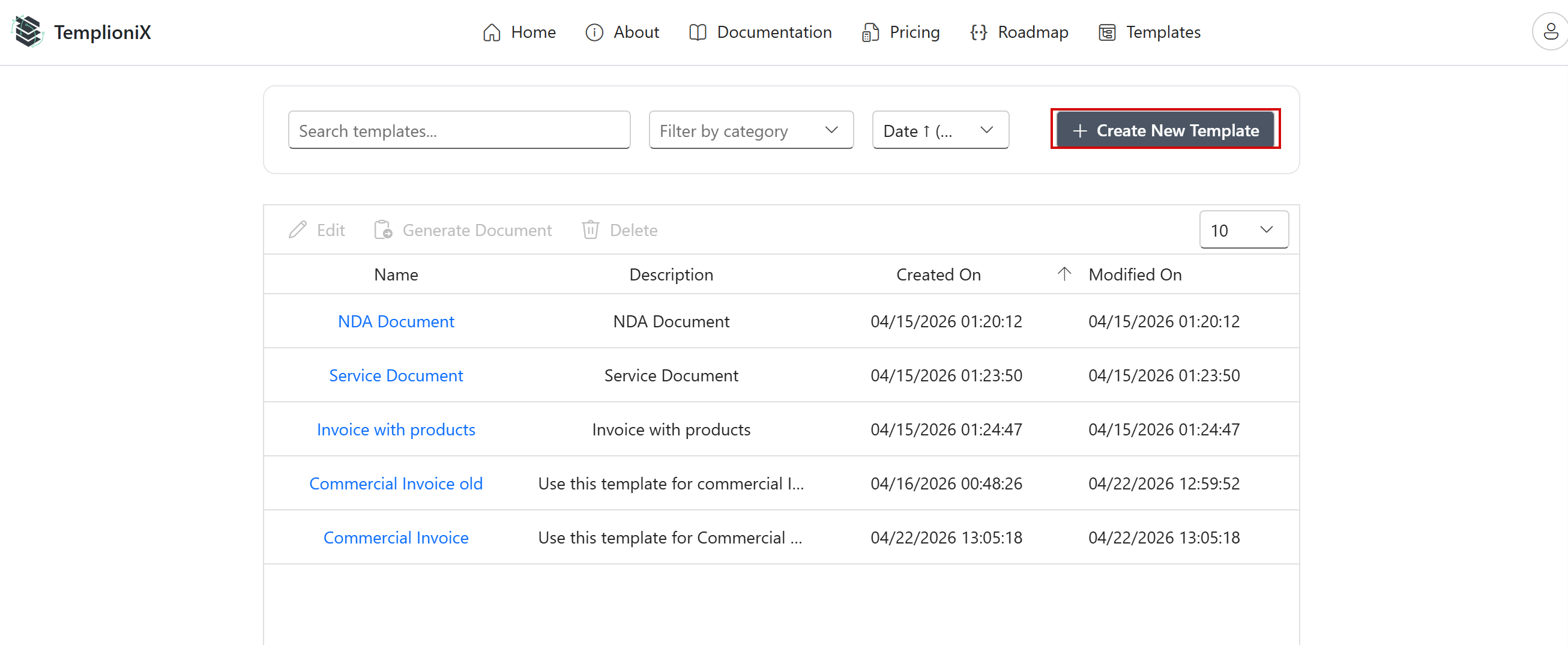
To create a new template:
- Click Create New Template.
-
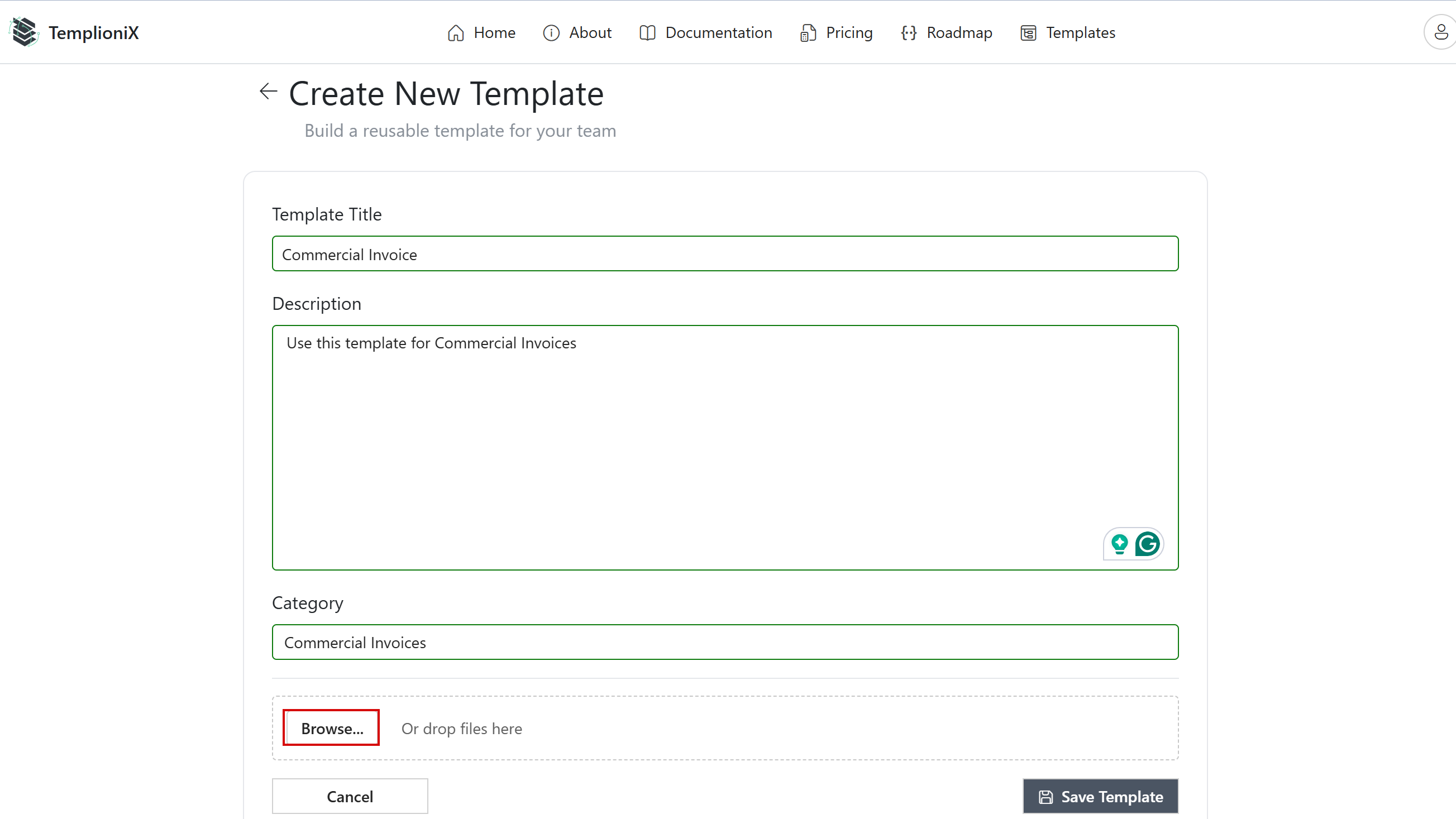
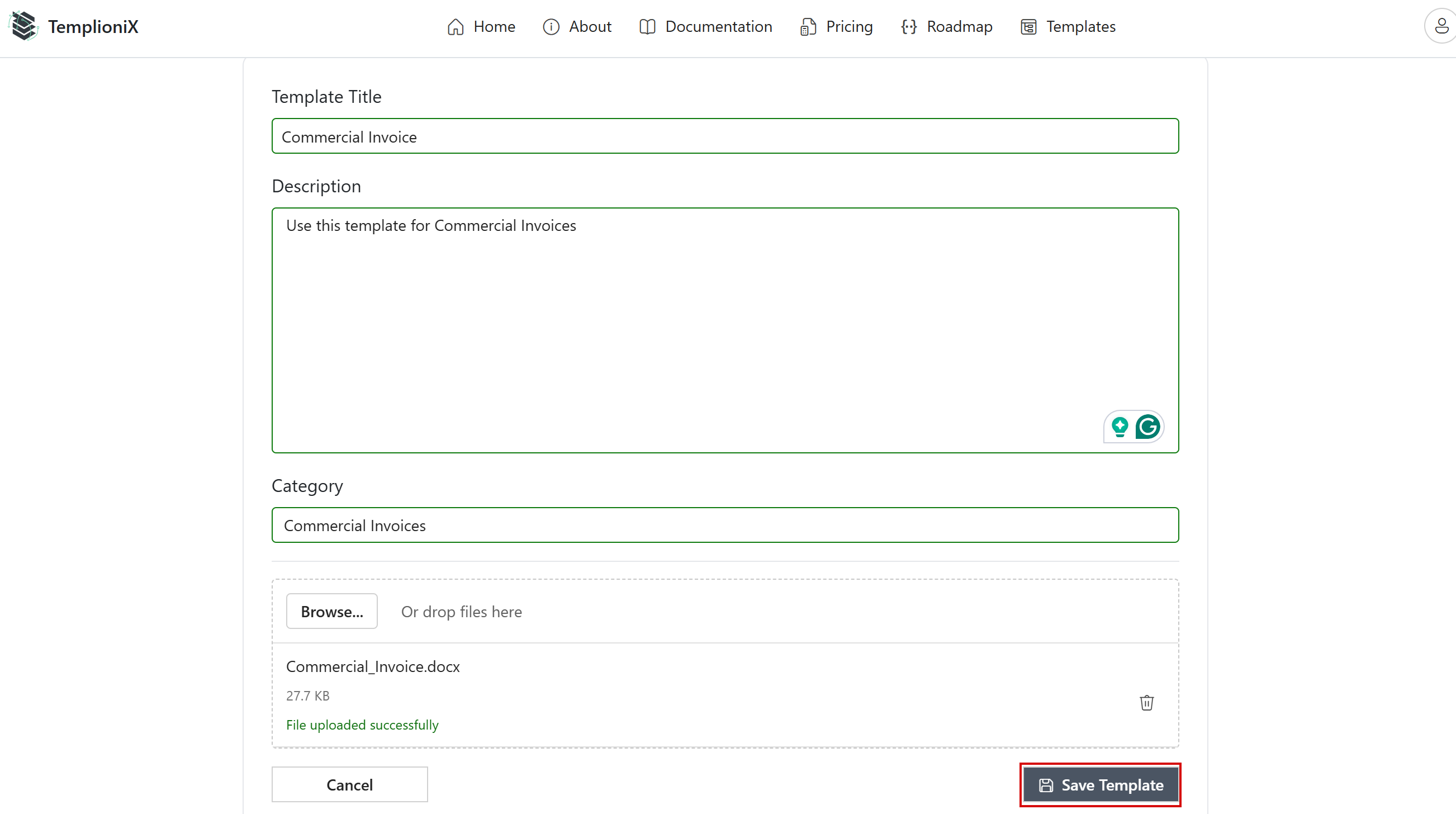
Fill in:
- Template Title
- Description
- Category
-
Click Browse and choose your prepared
.docxfile.
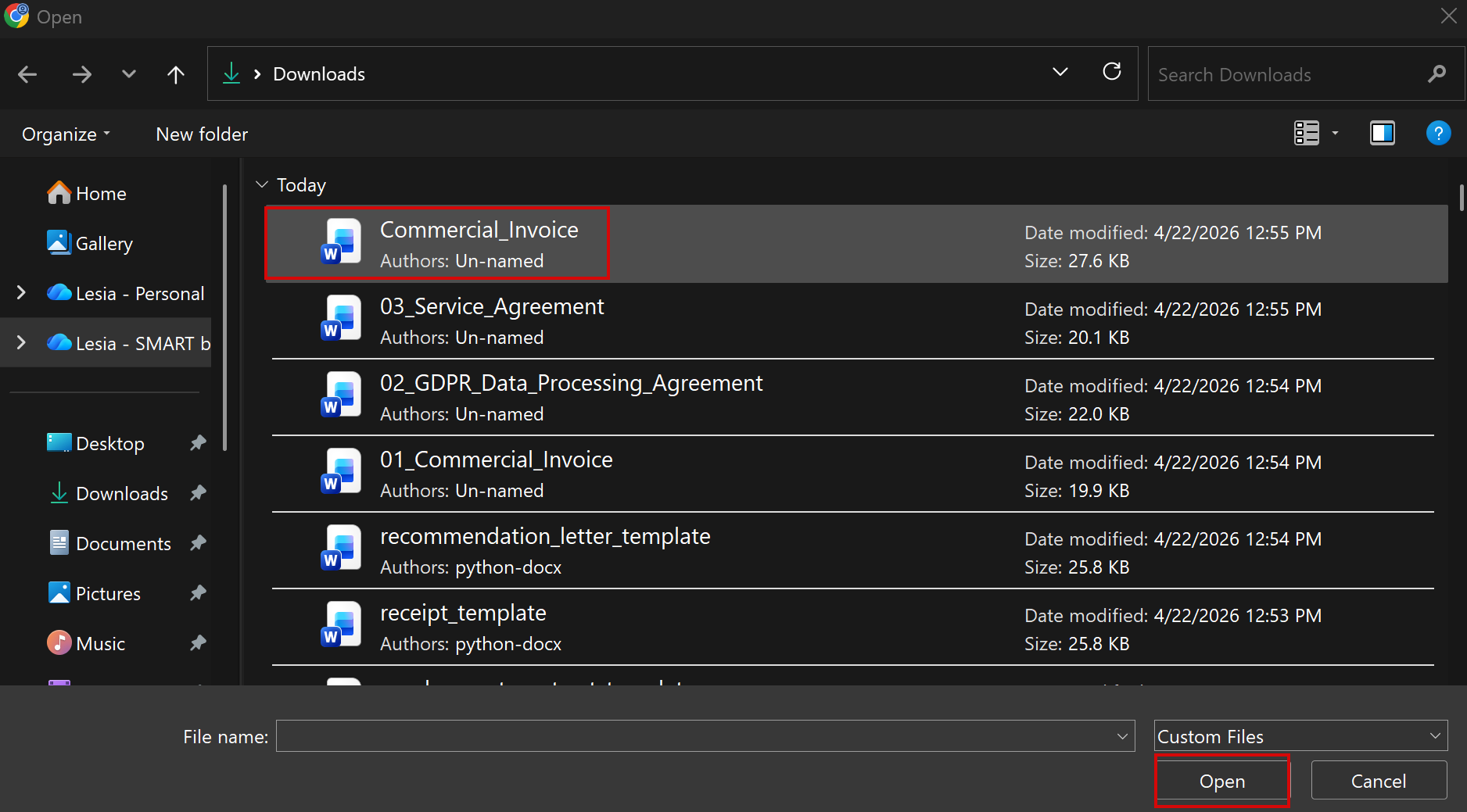
- Confirm the uploaded file and click Save Template.
After saving, template management tabs become available.