Editing template
To edit an existing template, select it in the list and click Edit.
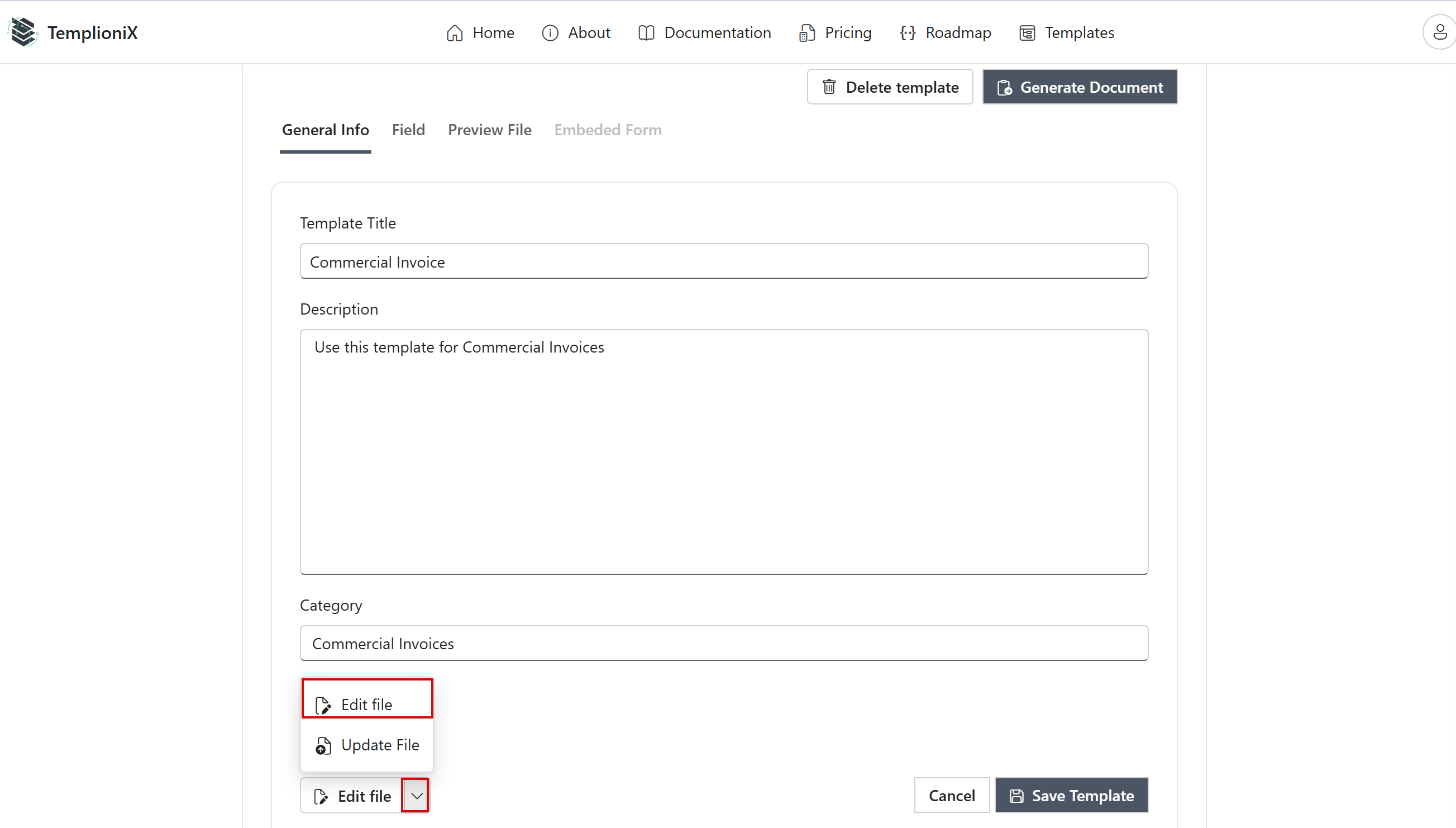
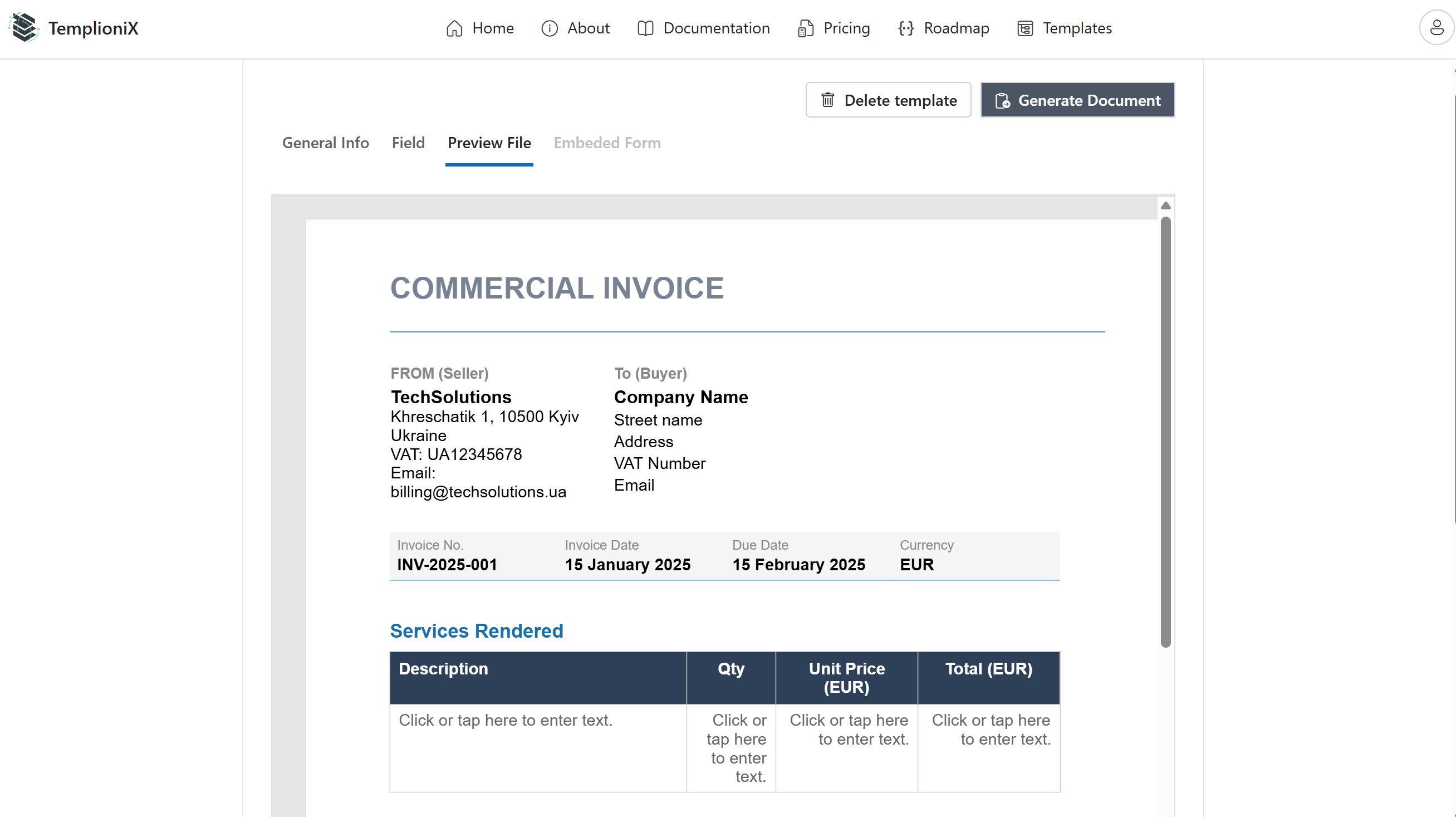
Inside the template page:
- General Info tab contains metadata (title, description, category)
- Field tab shows recognized content controls
- Preview File tab displays the document preview
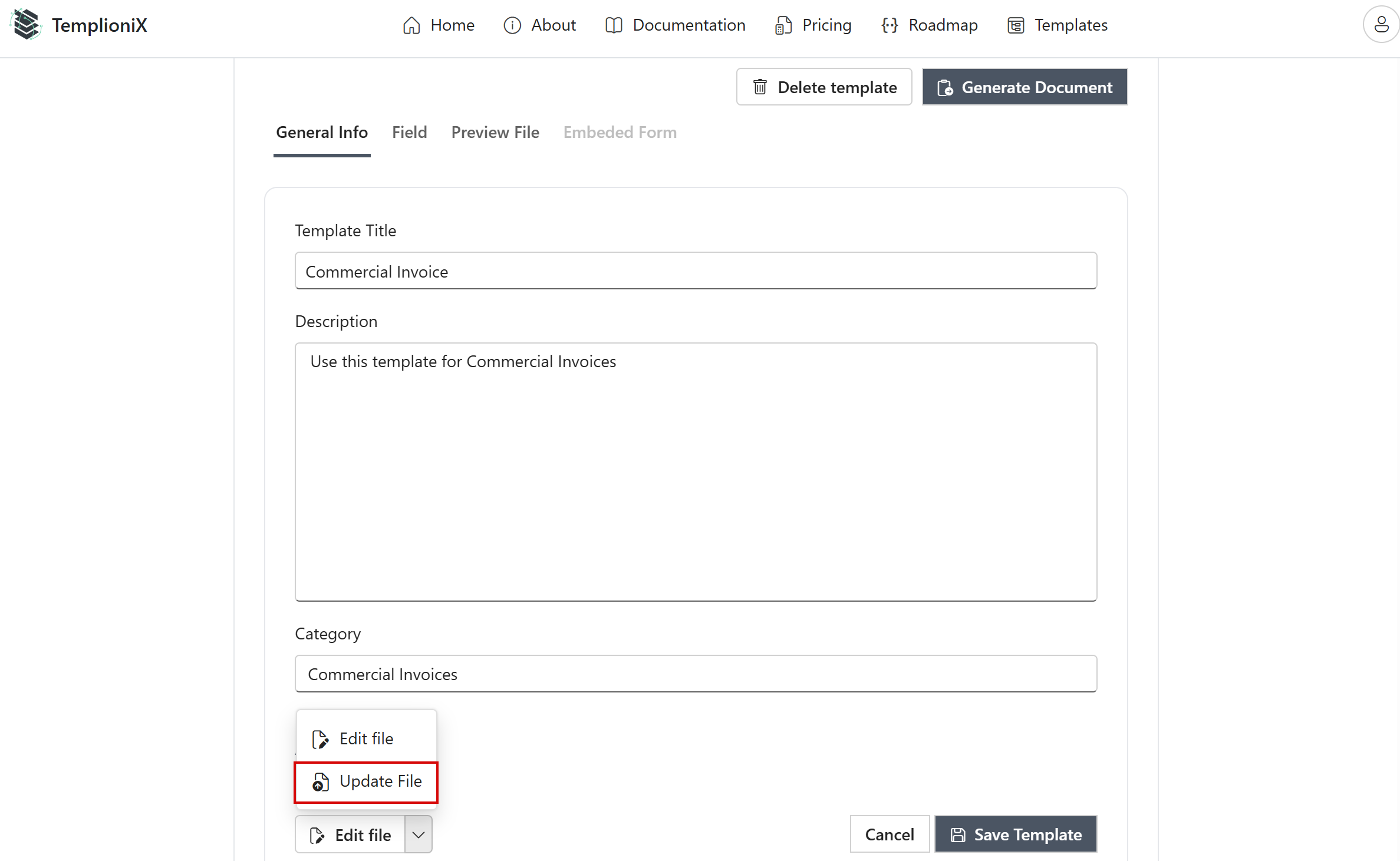
If you need to replace the document file:
- Open Edit file menu
- Click Update File
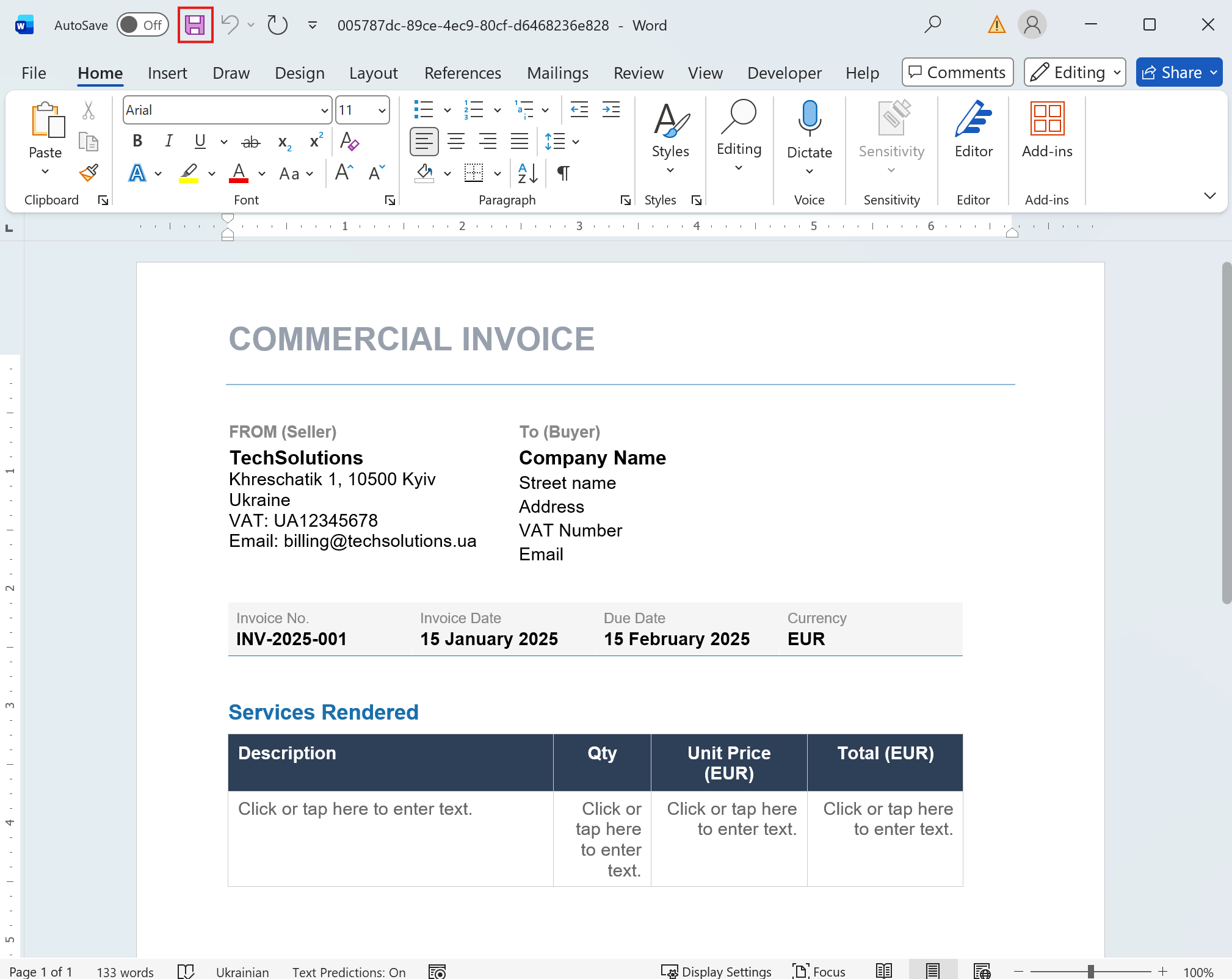
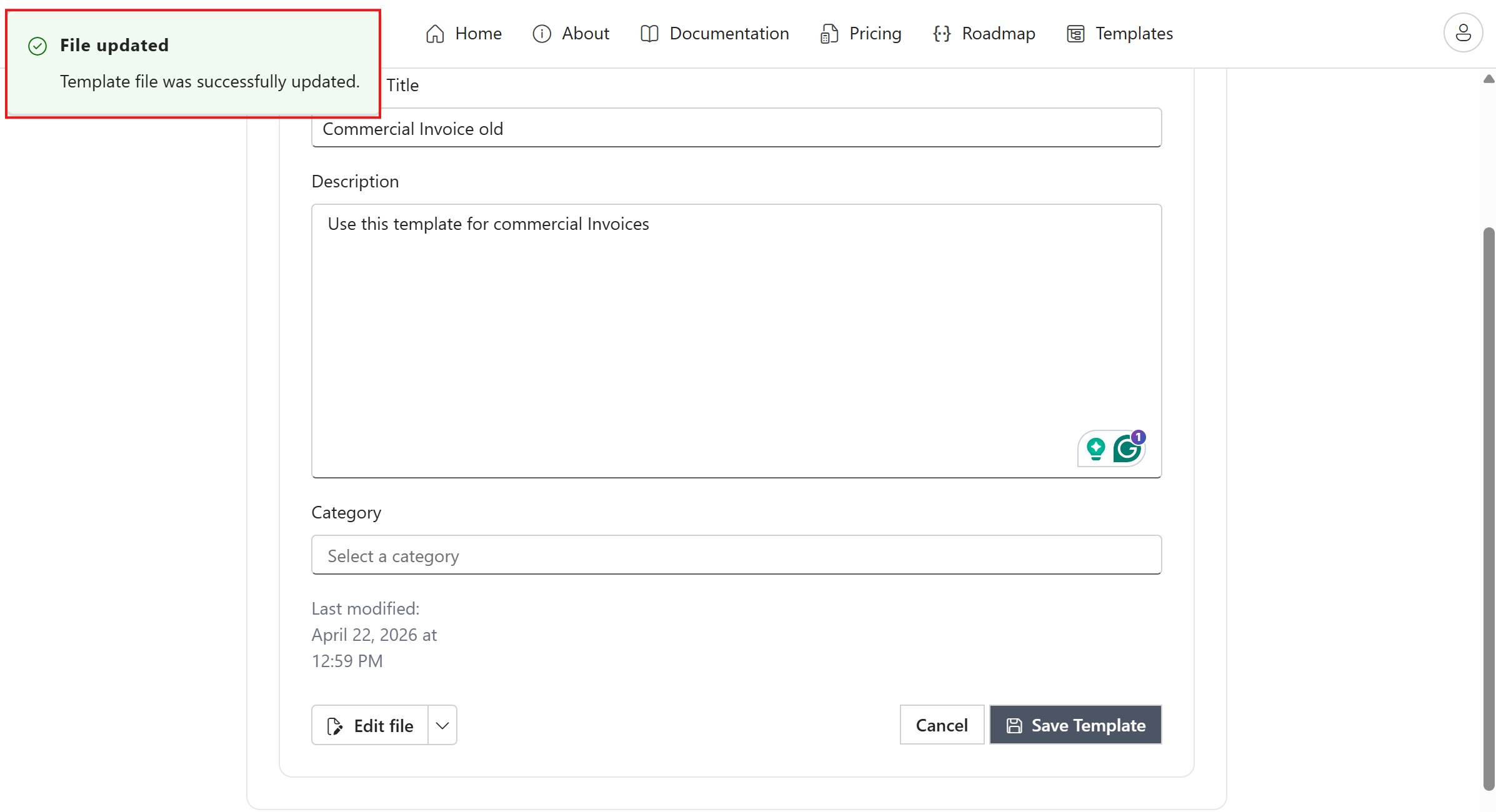
- Save changes after upload
If you need to modify content controls directly in Word:
- Open Edit file menu and choose Edit file
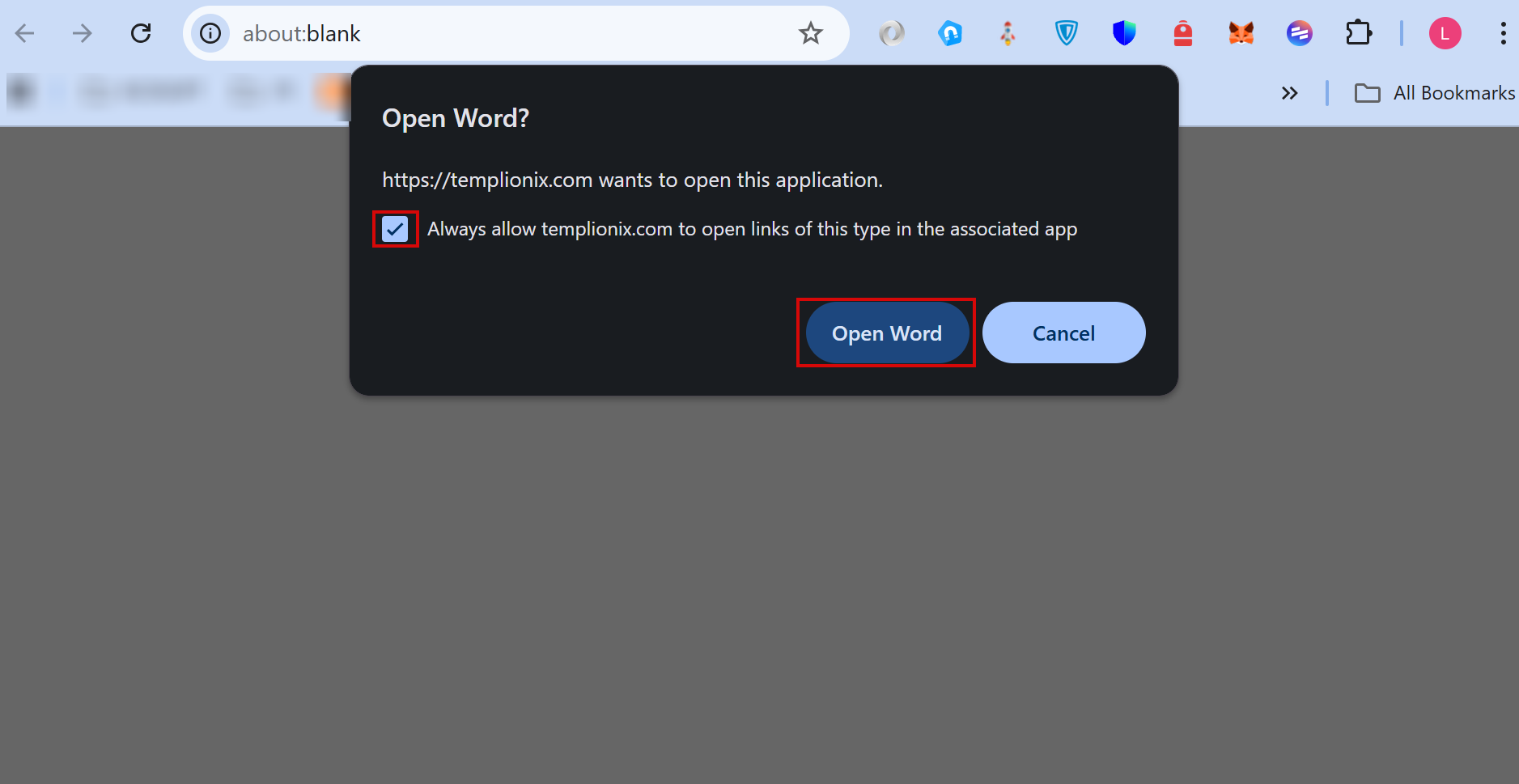
- Confirm opening Word from browser dialog
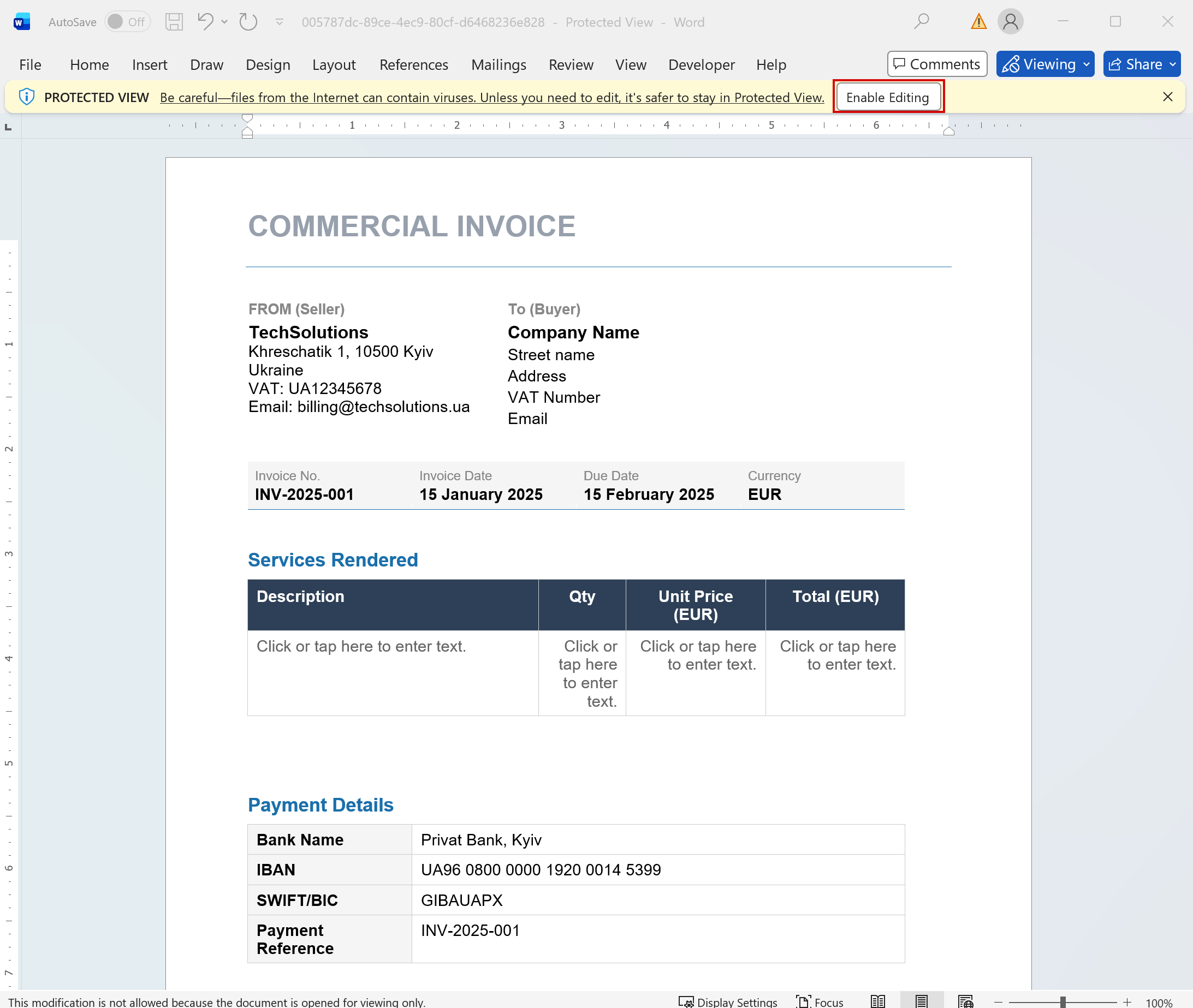
- Click Enable Editing in Word and update placeholders