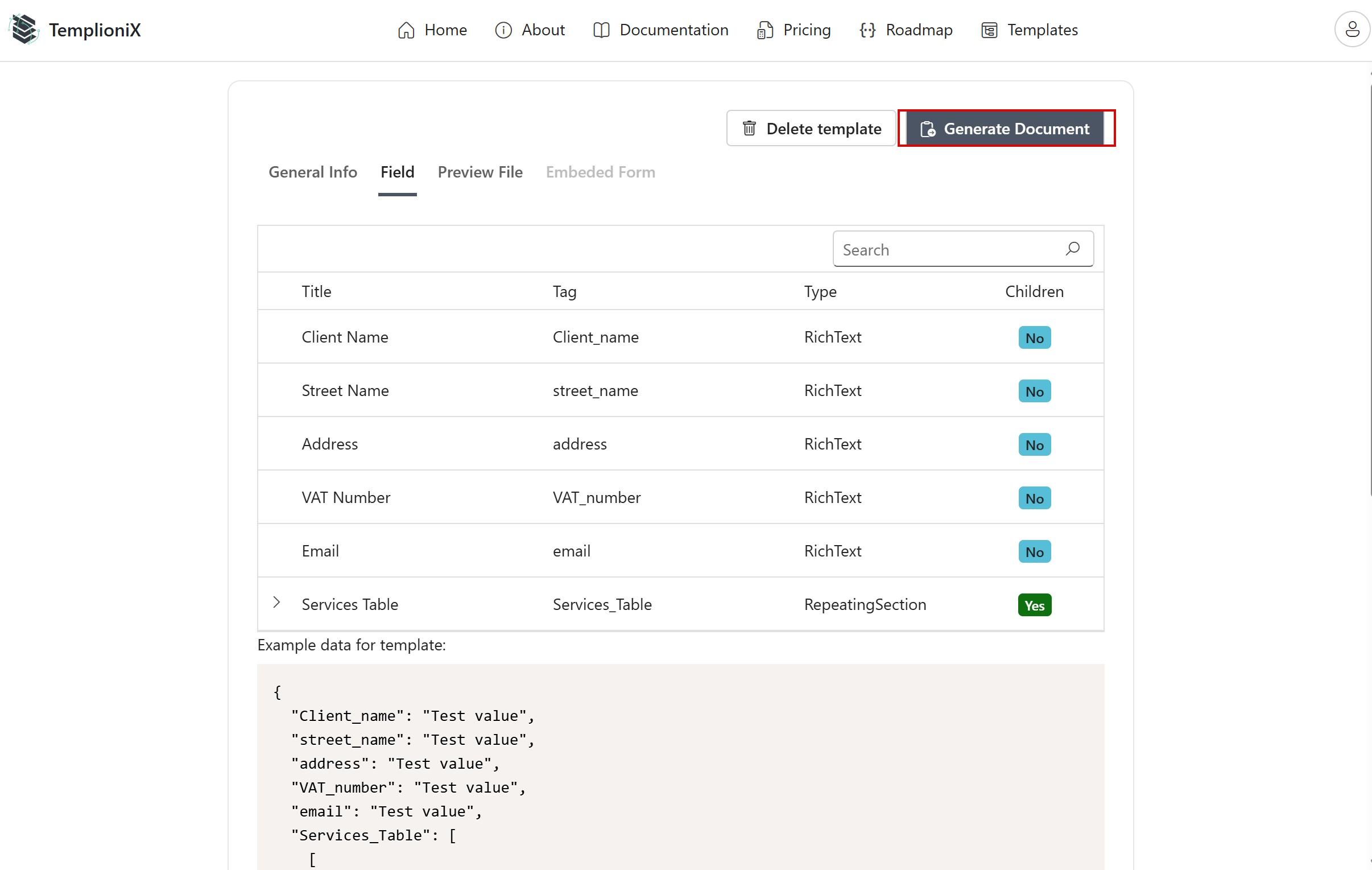
Update file
If you need to upload a new document, click the Update File button.
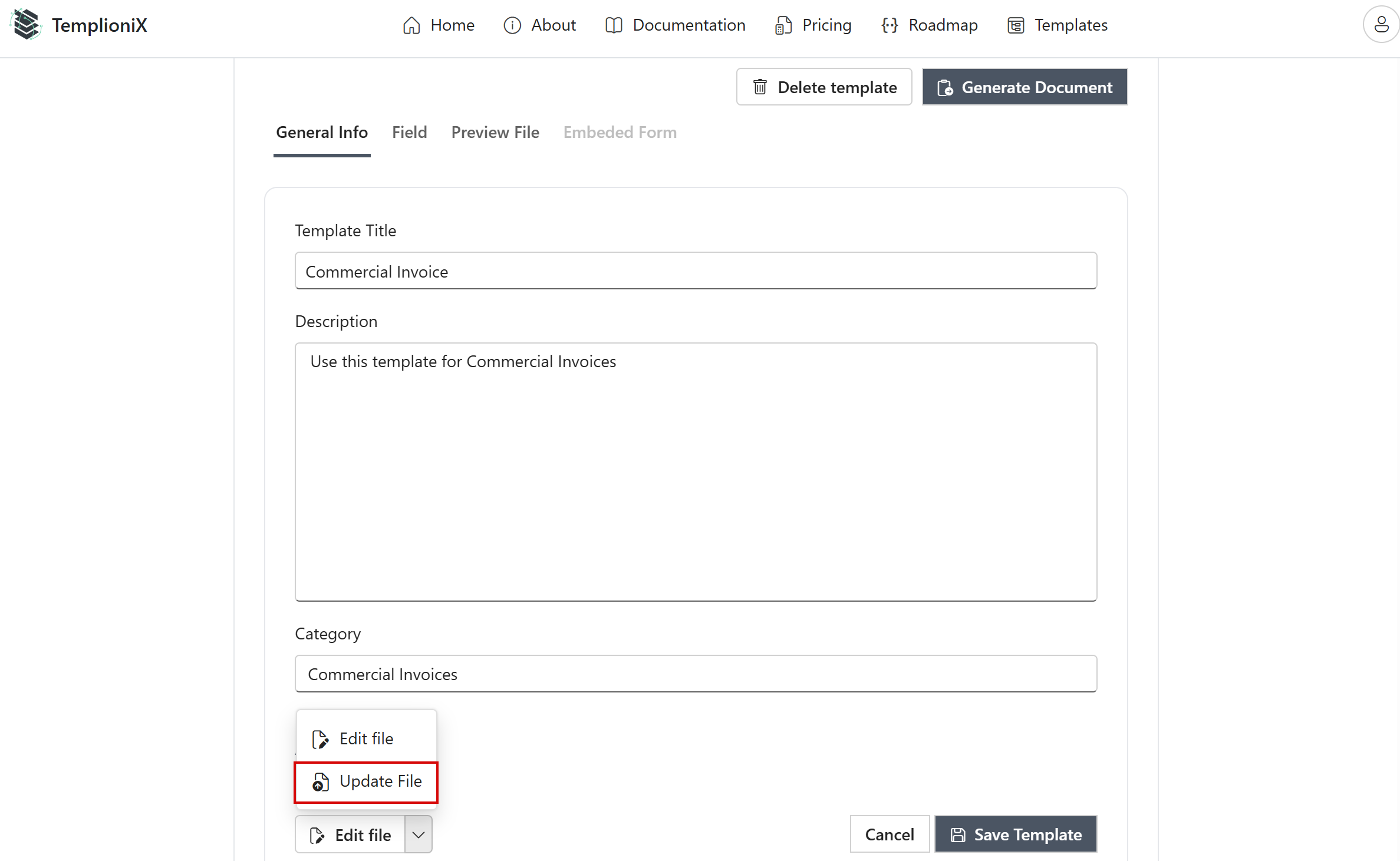
Select the new document from the list.
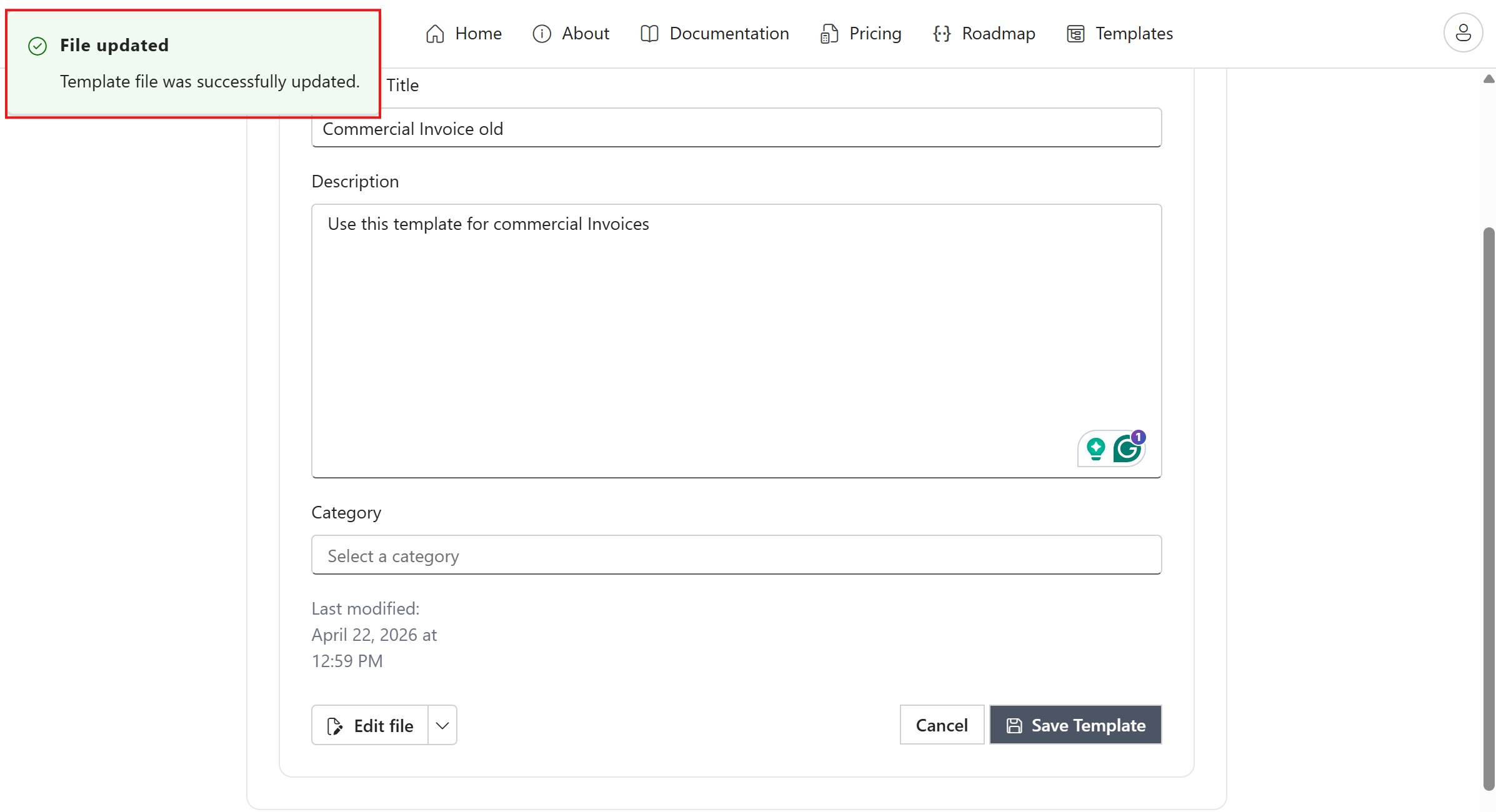
After the update, you will see a notification confirming that the update was successful.
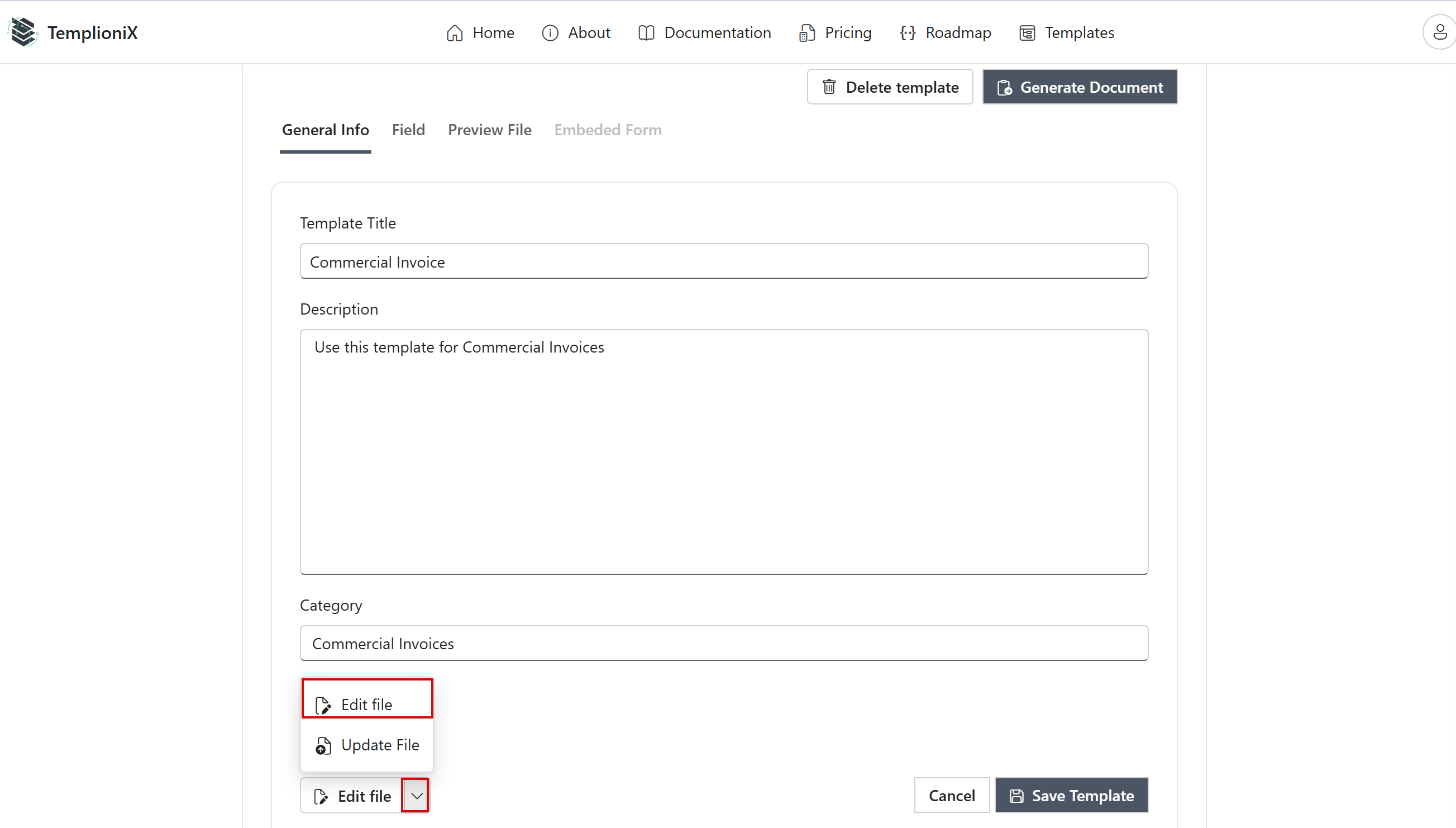
If you need to update an existing document or add new Content Controls, or rename existing ones, edit the template by clicking the Edit File button.
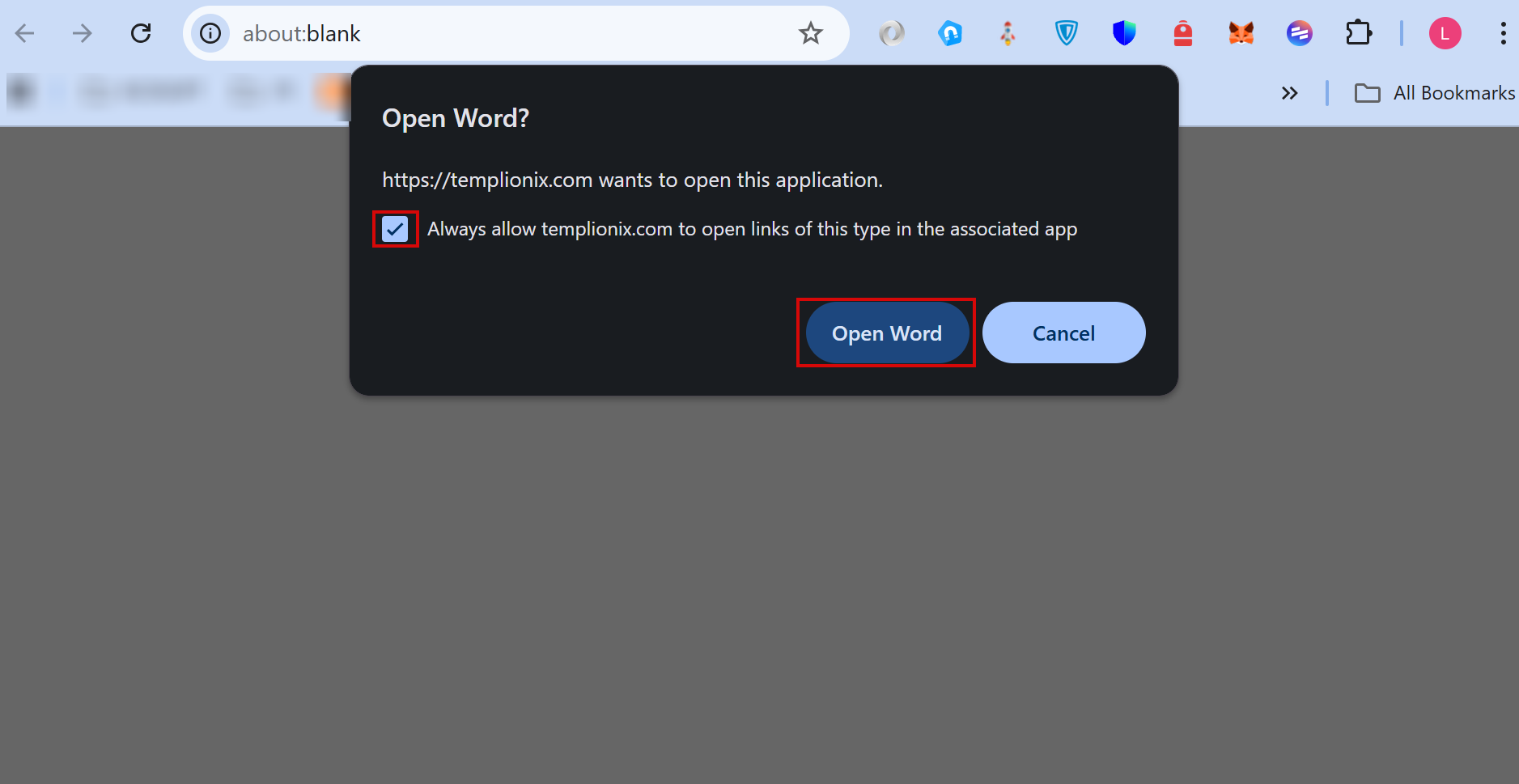
In the window that opens, check the Always allow templionix.com to open links of this type in the associated app option and click the Open Word button. The document will open in Word.
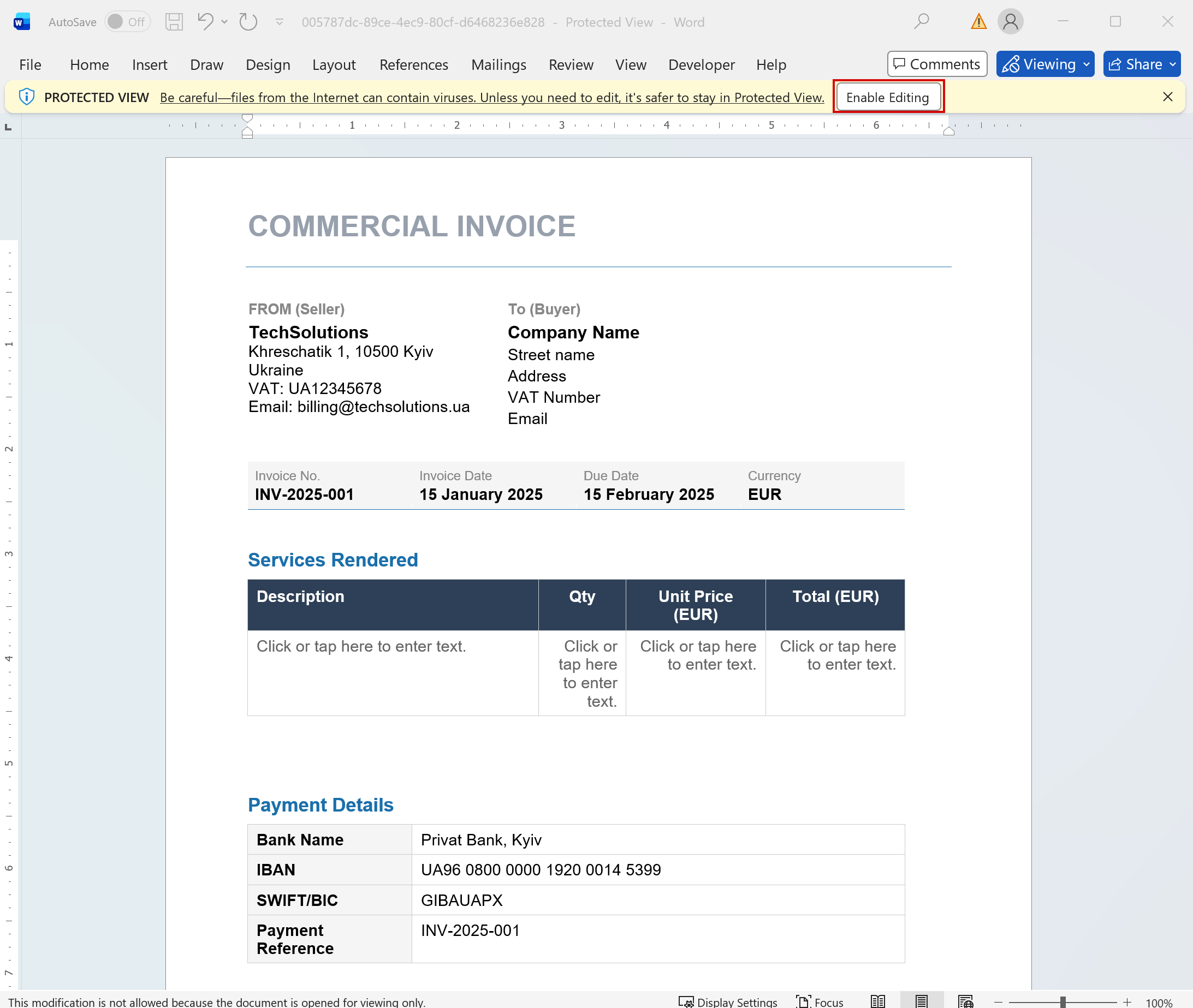
Then click Enable Editing and enter or update the required information.
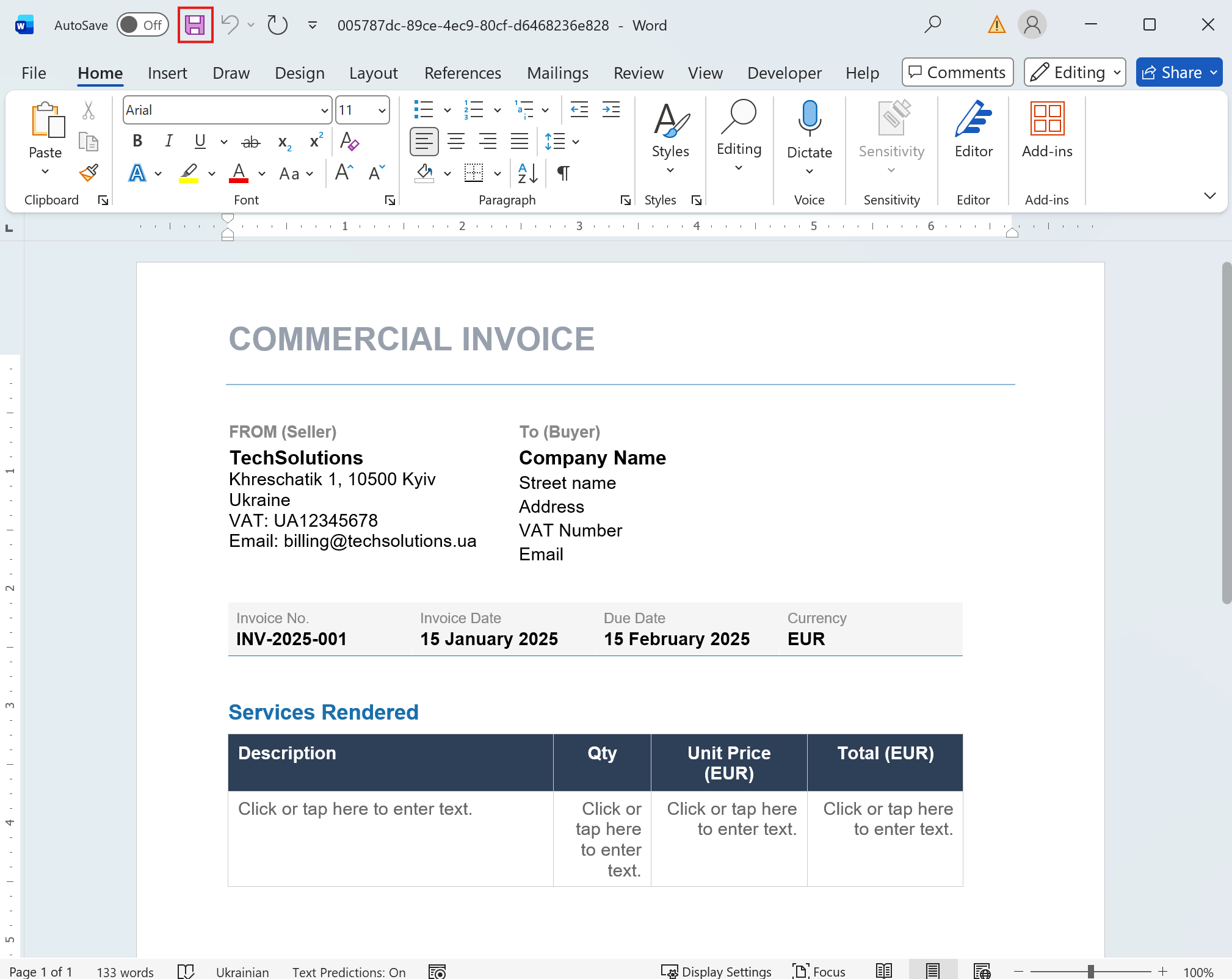
After adding all the necessary information, save the document and close it.
After that, you will see that the document has been updated and new fields have been added. Next, to generate the document on the website, click the Generate Document button.