Generate document
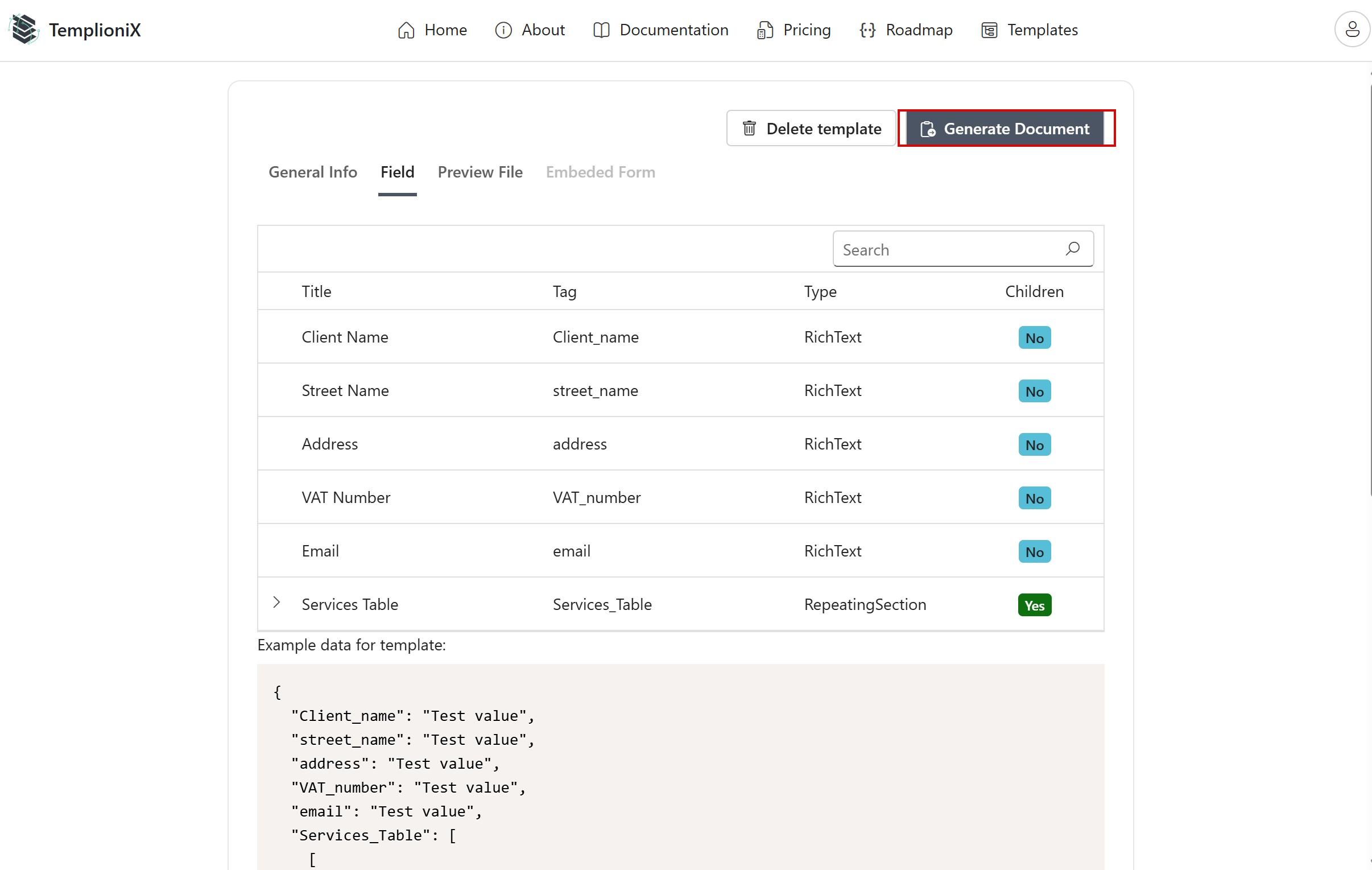
To generate a document, open a template and click Generate Document.
In the generation view, fields are grouped by sections and can be filled manually.
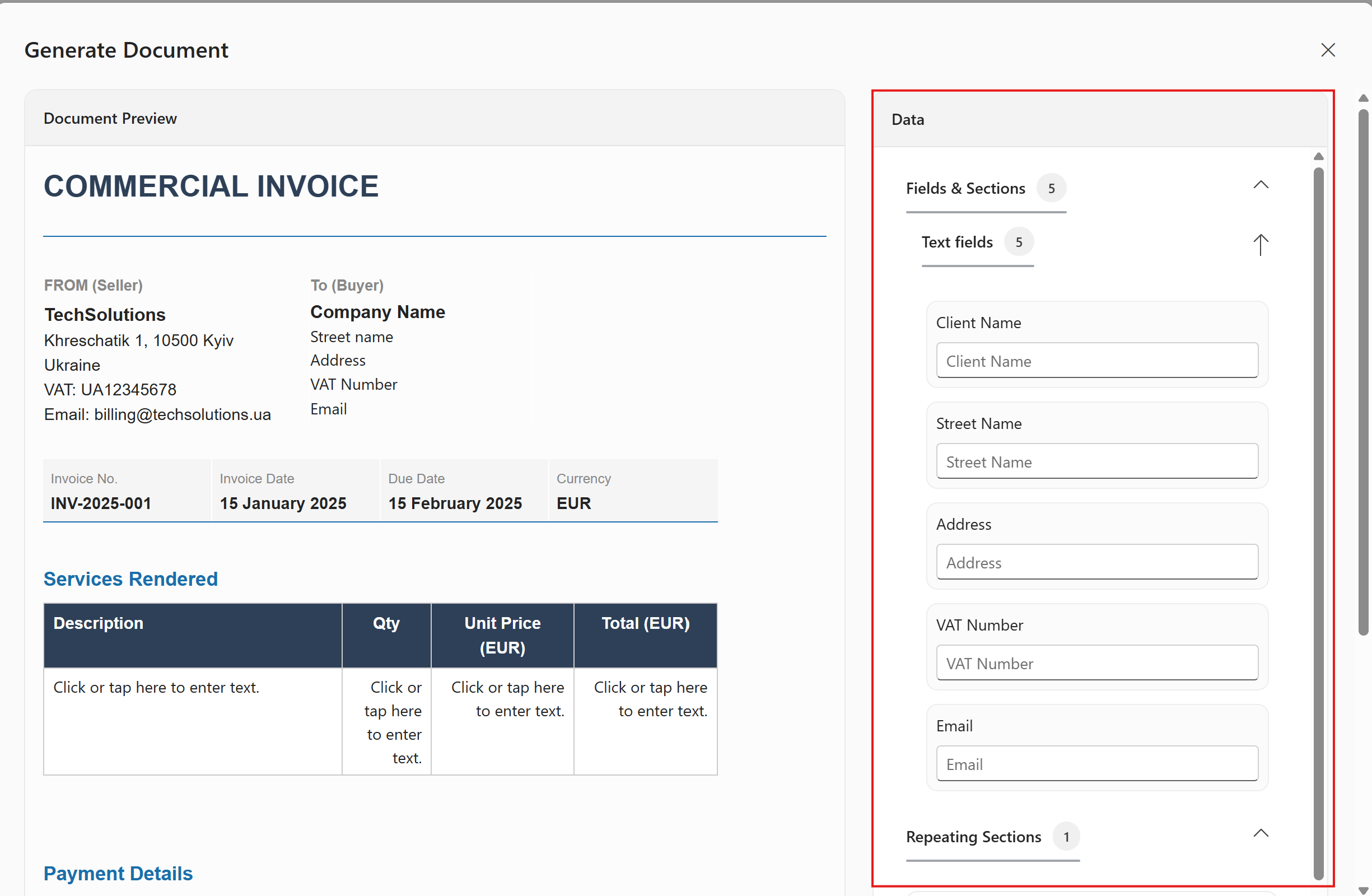
For repeating sections (for example, table rows), use the editor controls to add rows and fill each entry.
After completing all required data, generate and download the final document in the needed format.